Apple Notes Solves Math Right Where You Type It
Type an equation or a unit conversion on a Mac and Notes fills in the result without leaving the note.
 Be Productive · Best Ways to Use Apple Notes in 2025! Apple Notes Review
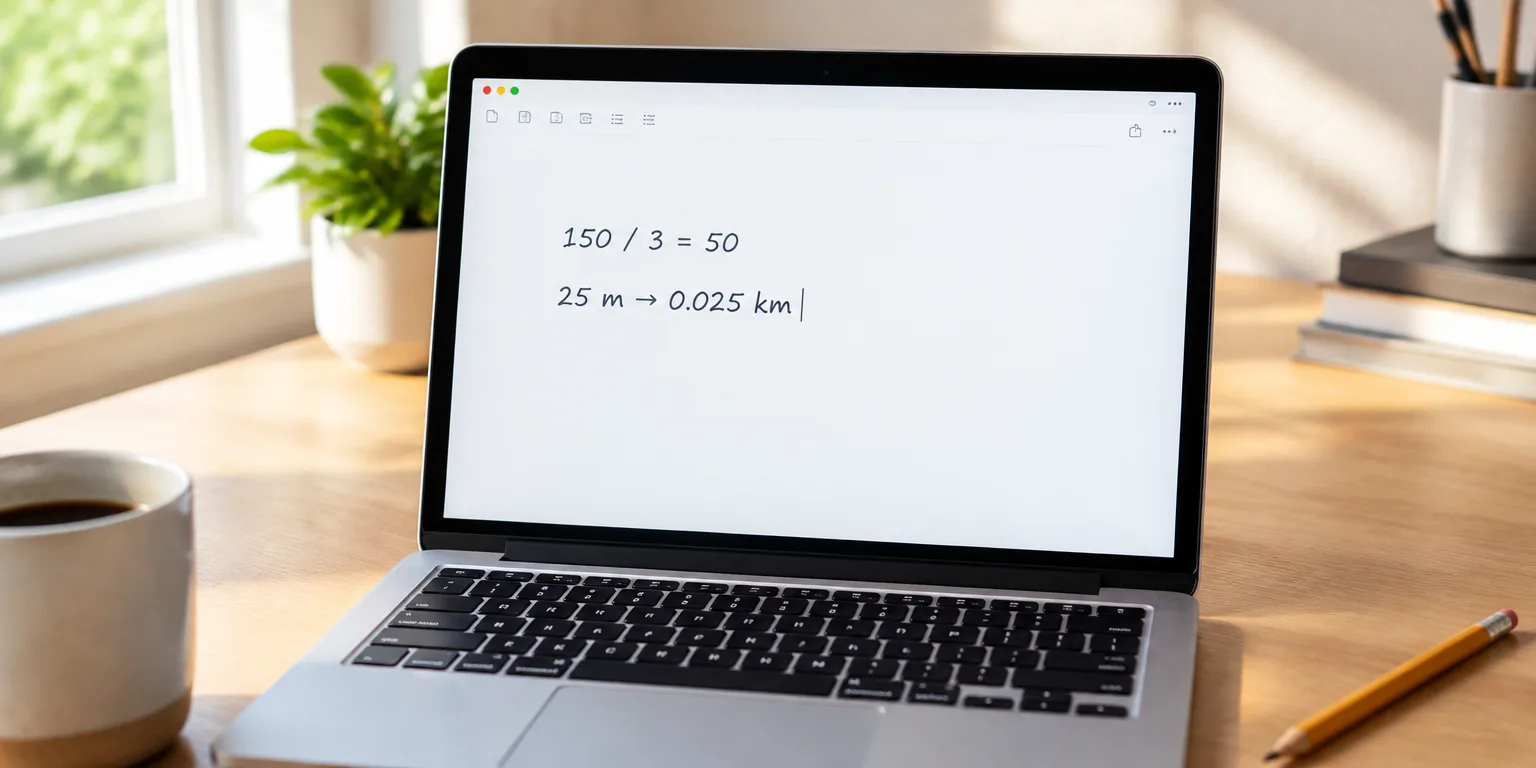
Type 150 / 3 into Apple Notes on your Mac and it calculates the answer for you, right in the note.
There is no calculator to open and no answer to copy back. You type an equation or ask for a unit switch, such as turning 25 meters into kilometers, and Notes does the math.
The two examples shown are simple division and a length conversion. It calculates inline, so you stay in the note instead of switching apps.
The feature is already in Notes, part of writing on a Mac.
Questions people ask
Where exactly do I type the math?
Just type it in the body of a note, the same place you would type a sentence. In the examples shown, typing 150 / 3 or 25 m to kilometer brings up the calculated result inline, without opening another app.
What kinds of calculations work?
Per the examples, it handles basic arithmetic and unit conversions. The cases shown are 150 / 3 and meters to kilometers.
Why do this instead of using a calculator app?
You can solve it in place, right inside the note. You do not have to leave Notes to get the result.