Map Your Rooms Before You Shop for Home Network Gear
A room-by-room map of fixed devices and wireless needs beats shopping for a router first.
 maxbuiltllc.com · How Should You Plan a Home Network? | Max Built
David K, who wrote the Max Built guide to planning a home network, says a reliable setup starts not with a router model but with how the house will be used.
He advises doing this early in the build, while walls are still open and electricians are still routing wire. Walk room by room and note the daily routines and outdoor spots that will need dependable connections.
List where work and school happen, where TVs and speakers will live, plus game consoles, printers, video doorbells and security cameras. Add temperature controls, smart lighting, yard watering, pool gear, car charging and patio areas.
Do not forget secondary spaces such as the garage, utility rooms, porches and a detached guest house or workshop if those spots need coverage or control.
Then sort gear that stays put from gear that moves. Handsets and tablets rely on easy-to-reach Wi-Fi, while TVs, desk computers, cameras, controllers and similar fixed gear can use a plug-in cable where the chosen model allows it.
A plug-in Ethernet link can be quick and takes pressure off the wireless network, a point the Federal Communications Commission has noted. Think of cable as a way to add steadiness and capacity, not to replace Wi-Fi.
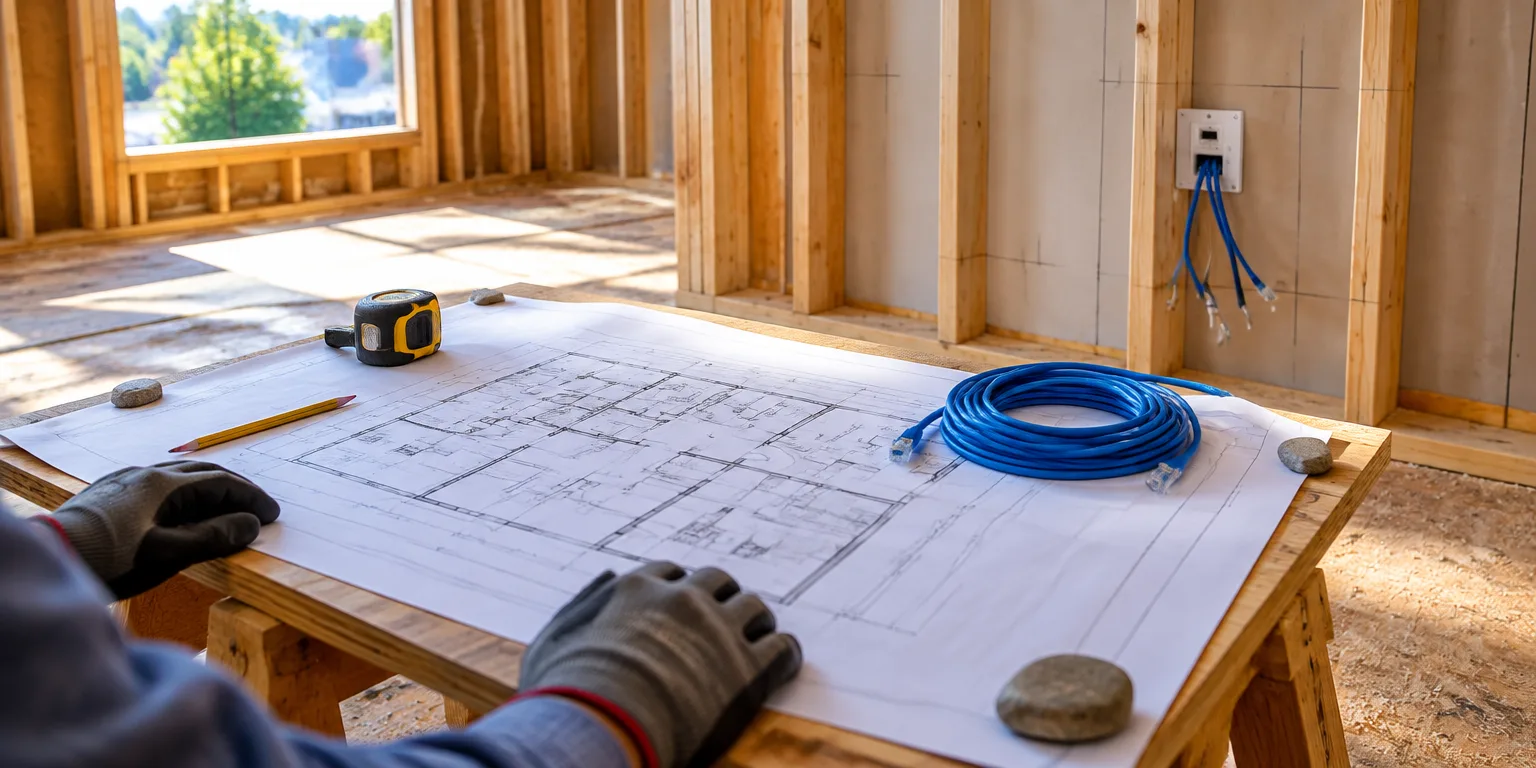
Sketch that inventory onto copies of your floor drawings, placing every planned jack, cable-fed Wi-Fi broadcast spot, camera and doorbell spot, equipment cabinet, provider entry and spare route for later.
Flag construction details that can block a route or strand a device later, such as built-ins, TV mounting height, desk spots, exterior soffits, ceiling details, masonry, mirrors and pocket doors. Start with pencil, plan and device list to show which spots need wired connections and where wireless coverage must reach.
Questions people ask
What is an access point, and how is it different from a router?
A router directs traffic between your home and the Internet and often broadcasts Wi-Fi itself. An access point broadcasts Wi-Fi in a specific area but connects back to the main network by cable, which lets you place strong wireless coverage where you need it.
Why wire a TV or desktop computer if Wi-Fi reaches them?
A wired Ethernet connection does not have to share airtime with phones, tablets, and neighbors’ networks. Moving stationary, high-demand devices to cable can free up wireless capacity and give those devices steadier speeds.
Where should I start if I already live in the house?
Make the same room-by-room list of where video calls drop, video buffers, or new devices are planned. That map will show whether you need a better access-point location, one wired connection for a desk or TV, or help from an electrician or low-voltage installer.