Match the Internet to Your Household, Then Put the Router High
Fiber fits power users and cable fits average families, while placement and wiring help set how fast it feels.
 topwalli.com · What Utilities Do I Need? The Complete Home Setup Guide | TOPWALLI
Think of bandwidth as road capacity. One person needs only a narrow street, but a home where people game, stream, and work remotely needs a much wider road to prevent online slowdowns.
Start by matching the pipe to the household. Fiber optic service is ultra-fast and extremely reliable, the choice for power users, 4K streaming, and pro gaming.
Cable is fast and highly reliable, a fit for average families and mixed-use homes.
Home internet over 5G runs from moderate to fast with variable reliability, and it suits renters and anyone who prefers easy installation.
Satellite is moderate on speed and reliability. It is the option for rural areas where cables cannot reach.
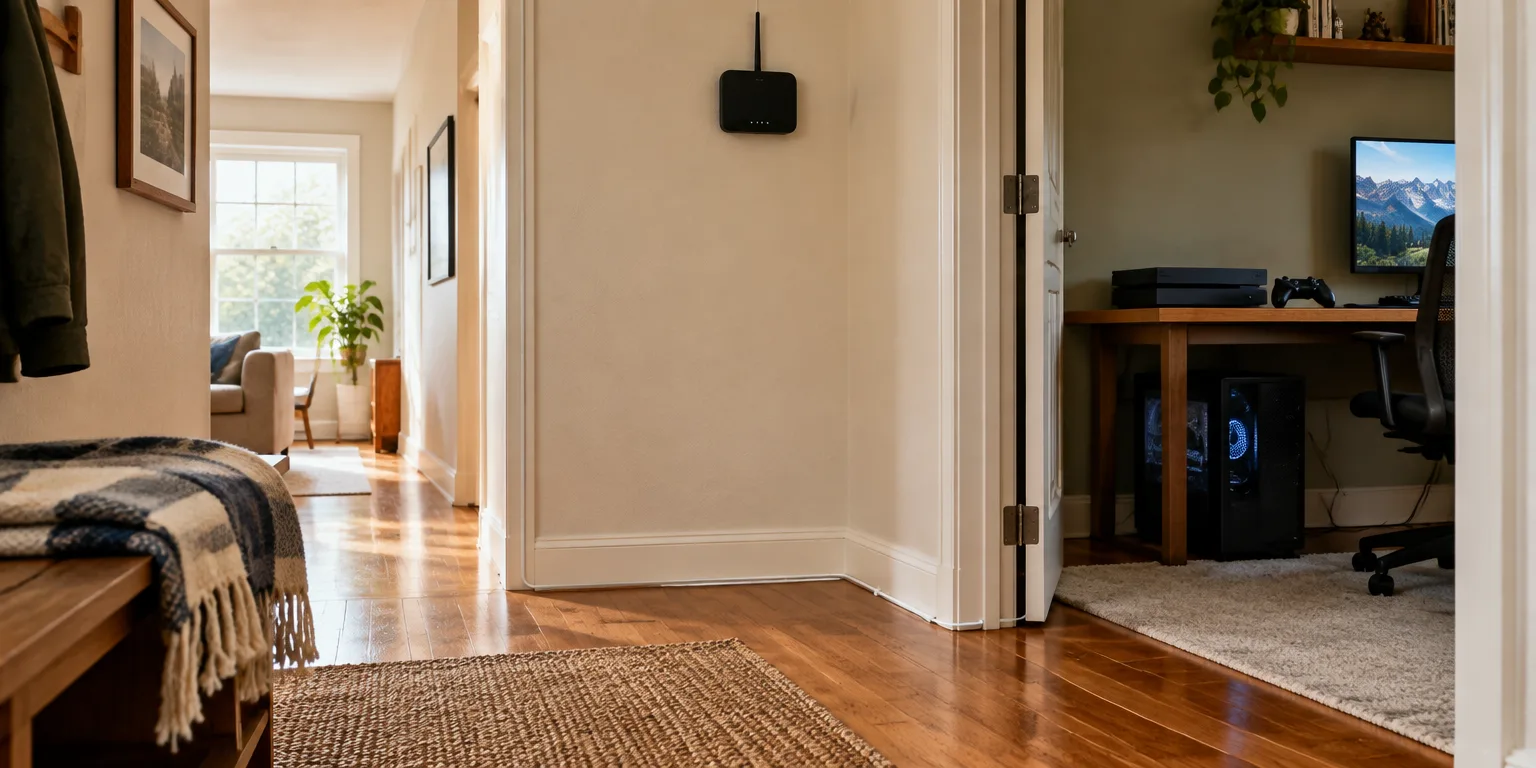
Once the service is chosen, give the signal room to travel. Place the router centrally and high up, since wireless signals have trouble getting through dense walls and metal items.
Then take stationary gear off wireless. Use Ethernet cables for desktop PCs, gaming consoles, and similar fixed devices for a more stable connection than WiFi.
Pay attention to both directions of speed. Download speed matters most for consuming content, while sending data upstream matters most for people who post videos or join frequent video calls. Count the heavy users first, then buy the highway to fit them.
Questions people ask
How much speed do I actually need?
For most households, 100 to 300 megabits per second down covers streaming, browsing, and remote work. Households with multiple 4K streams, competitive gaming, or heavy uploads often do better with 500 megabits or a gigabit fiber plan, where available.
Does 5G home internet need a technician to install it?
Usually not. Most 5G home plans use a plug-in gateway that connects to the cellular network, so setup is self-installation. Performance depends on nearby tower coverage and indoor signal strength, which is why reliability varies more than with fiber or cable.
What if I cannot place one router centrally?
Use a mesh system with two or three units that work together to spread coverage around walls and floors. Place the main unit centrally and the satellites halfway toward weak spots, not inside them.