Pick a better airplane seat with one map that shows legroom and open seats
The updated map puts layout, legroom, and open seats in one place, so you do not need a second site.
 UpgradedPoints.com · ExpertFlyer Adds Seat Maps, Expanded Upgrade Searches, and More Alerts
For travelers who care where they sit, the move is to check one detailed map that shows layout, legroom, and open seats together.
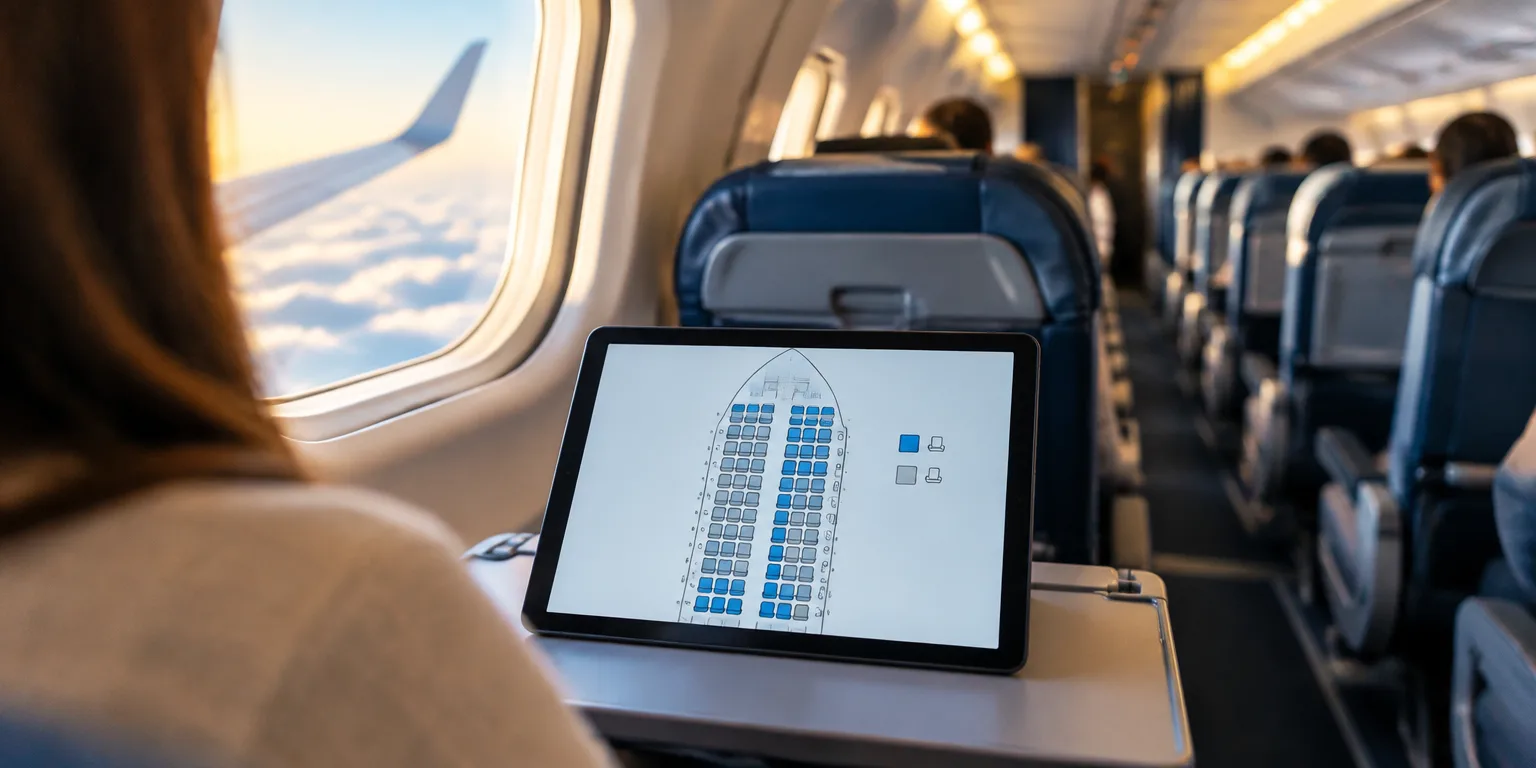
That map is the new visual seat map inside ExpertFlyer, a tool long used by frequent flyers to track seat maps and get notified when prized seats come available. Its own display used to be very bare-bones, so travelers visited other websites to find a full, detailed diagram of a plane's cabin. Now the detailed view sits directly within the platform, so you can compare seats and cabin designs in one place.
In one view, you can see how the seats are arranged in the cabin, along with seat pitch and width. Pitch is the distance from a point on one seat to the same point on the seat ahead, which gives a sense of legroom, while width gives a sense of shoulder room. The same view lists the aircraft variant and the specific cabin product, the airline's version of that cabin, and marks which seats are free and which are taken.
When you are choosing a seat or keeping watch for a better one, open the map for your flight and read pitch, width, and availability together.
Questions people ask
What do seat pitch and seat width actually tell me?
Seat pitch is the distance from one seat to the same point on the seat in front of it, and it is a useful stand-in for legroom. Seat width is the width of the seat cushion and armrest space. More pitch usually means more knee room, and more width usually means more shoulder and hip room.