Put Cheap Smart Cameras, Bulbs, and Plugs on the Guest Network
They still get online, but a hacked gadget stays apart from your laptop and stored files.
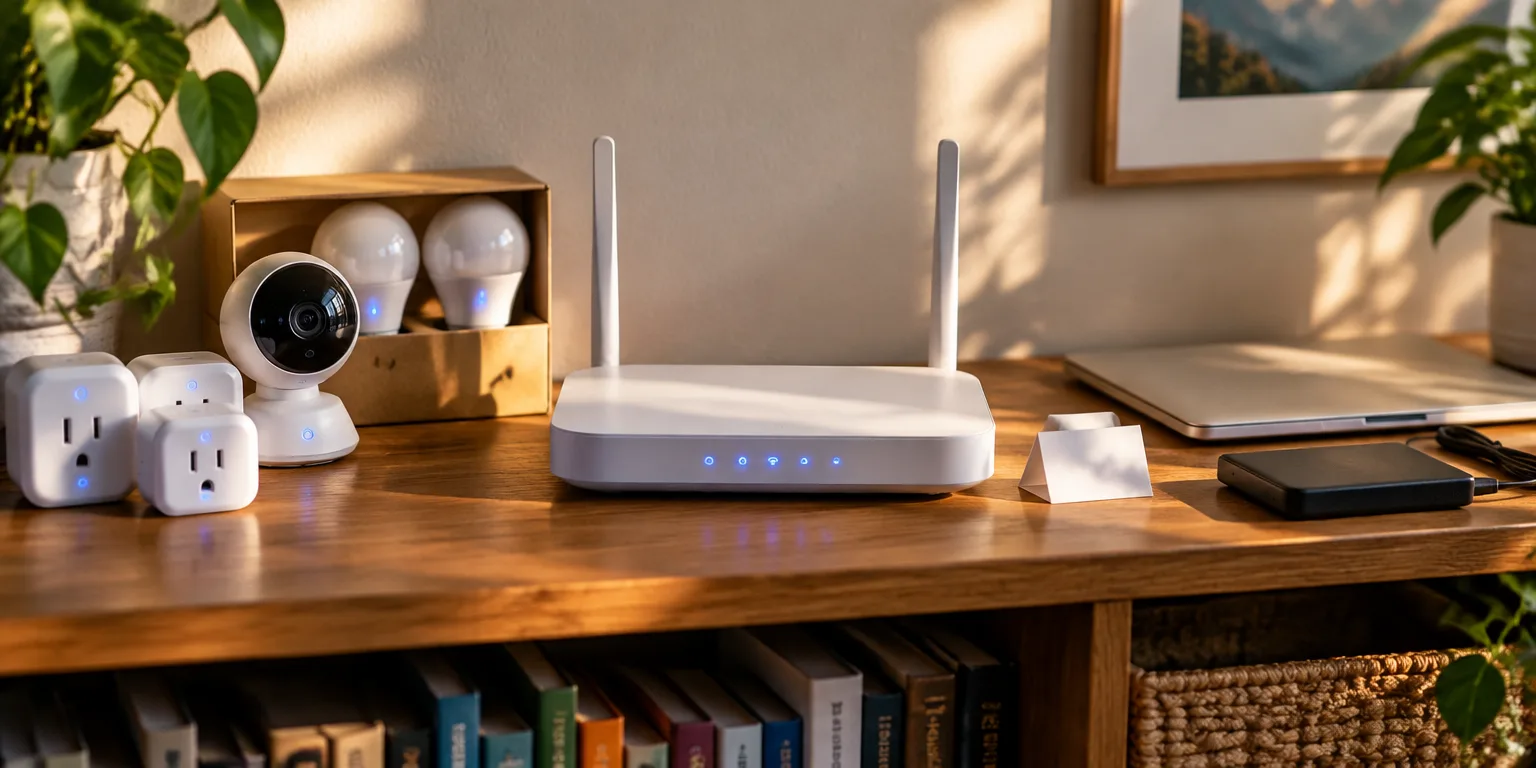
Gurpreet Singh, who wrote a step-by-step guide to setting up a home network, says the most skipped step matters most. After the router is placed and secured, move connected gadgets to the separate guest Wi-Fi.
He means the cheap cameras, plugs, and bulbs that pile up around a house. Those products often use outdated software that seldom gets fixes, so a security flaw can sit unpatched while the device stays online.
A guest network is a separate Wi-Fi option on the same router, meant for visitors and gadgets. Devices joined to it can get online without getting to other devices in the home. Many gadgets only need internet access for basic control, although some features may need the phone on the same local network.
That separation is the protection. If one of those devices is compromised, it stays blocked from computers and stored files, so trouble in a cheap camera does not become trouble in your files.
One suggestion for trying it is to keep computers, phones, and storage on the main network and join the smart devices to the guest name instead. Add them one at a time, starting with one camera or plug, and check that each still responds from your phone before moving the next one over.
Questions people ask
Will I still be able to control the bulb from my phone?
It depends on the product, so check the maker's instructions for how its app is meant to connect. Some devices or features expect the phone and the device to share the same local network. After a move, test the controls you use most to see what still works for that model.
Should my laptop and phone stay on the main network?
Yes. Keep computers, phones, tablets, and any drive or box where you store files on the main network. Reserve the guest network for smart-home gadgets and, if you like, for actual guests. That way the things with your personal information stay apart from the things with the weakest security.
Does a guest network replace passwords and updates?
No, it adds to them. You still want a long Wi-Fi password, a different admin password for the router settings page, and automatic updates turned on. Isolation limits the damage if a device is hacked, but good passwords and updates make a hack less likely.