Test With A Cable Before Buying New Wi-Fi Gear
A short sequence of wired and room-by-room tests points to the provider, placement, cables, or a queue setting.
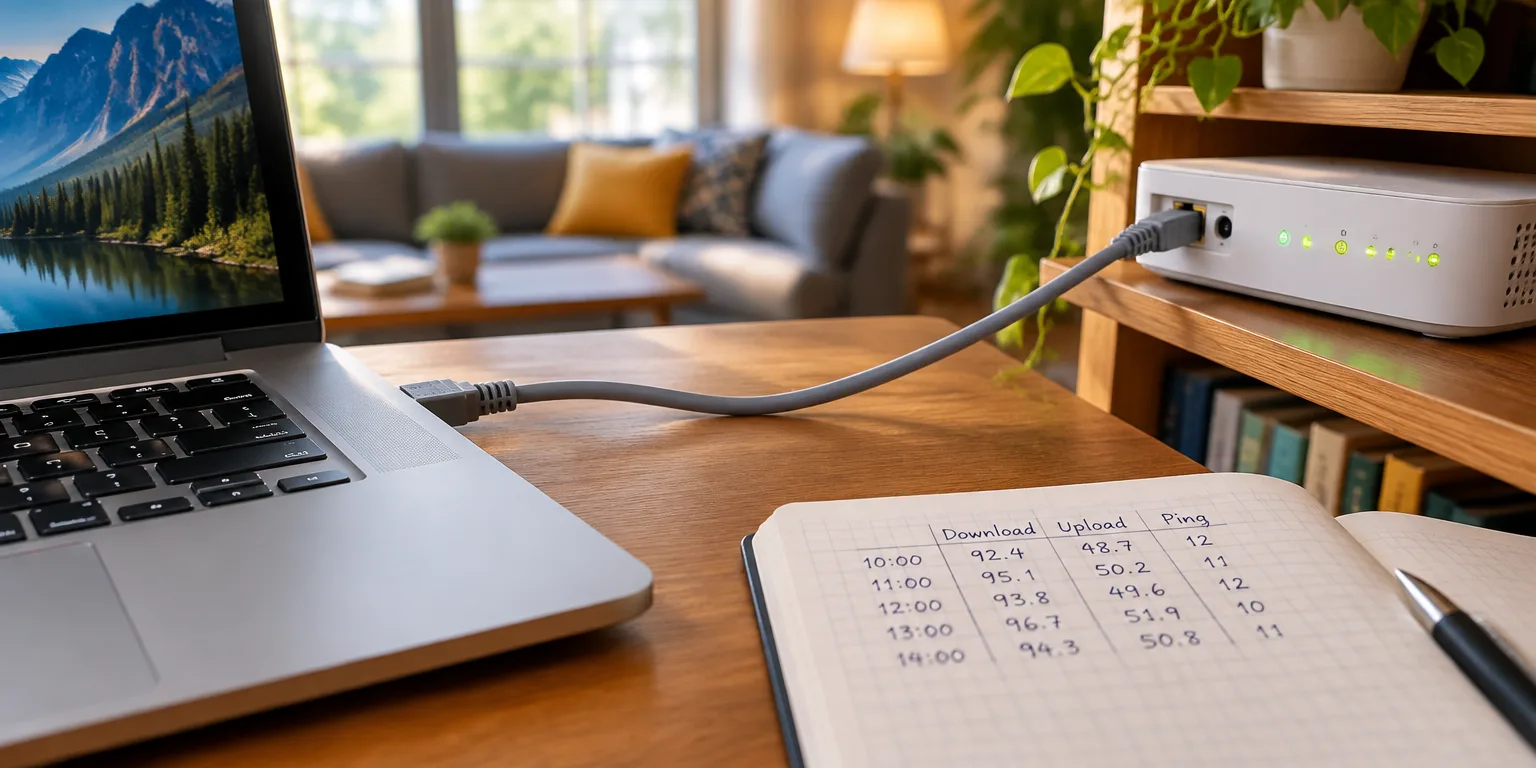
Start with a cable, not a shopping cart. Plug a laptop directly into the modem, the box where internet service enters the home, turn off its Wi-Fi, and run a speed test.
If that wired number sits well below the speed on the bill, stop there. No Wi-Fi box can add back speed the line itself is not delivering, so fix the line, the account setup, or the modem itself before buying Wi-Fi gear.
If the wired test passes, walk the house with the same phone. Check the kitchen, the sofa, the home office, and the worst bedroom, and make a call in each main room.
A fast wired test with one weak room means coverage or placement. Move the nearest Wi-Fi radio toward that room, keep it central, elevated, and out of a cabinet, or add an access point, an extra Wi-Fi radio wired back to the main router, aimed at that room.
When speed is strong next to the router yet drops once many devices join in, the problem is crowded airtime, the shared radio space that phones and laptops all use at once. Cable the heavy stationary devices such as the TV, desktop, and game console, and put smart-home sensors on a separate low band to leave room for people.
High download speed with lagging calls means upload congestion, often called bufferbloat. A cloud backup can fill the upload queue and make a call wait, so turn on SQM, a router setting that keeps calls and backups sharing fairly, before changing channels.
A faster speed test that leaves calls just as laggy means the new gear did not cut delay. Keep the current gear unless the clients, the plan, or the wiring need more.
Write down three results and retest after any modem change: wired speed close to what you pay for, steady calls in the main rooms, and every device on a sensible band. As the NeoTeo guide puts it, "A passed wired test plus one quiet call in the worst room beats a box that advertises a bigger number."
Questions people ask
How do I run a proper wired speed test?
Use an Ethernet cable from a laptop to the modem or gateway, turn off the laptop Wi-Fi and VPN, close backups and streams, and test twice at different times of day. Test to the provider's server if offered, then to a general server, and compare both to the plan speed.
What is SQM and where do I find it?
SQM stands for Smart Queue Management. It paces uploads and downloads just below the line's full speed so one big backup cannot crowd out a call. It is usually found in advanced router quality-of-service settings, where the common practice is to set it slightly below measured wired speeds.
When should I add a wired access point instead of a wireless extender?
Add one when the wired test is fast but the same corner drops every day. A wired access point has its own Ethernet or coax path back to the router, so it does not rebroadcast over the same airwaves. A wireless-only extender in a dead corner can add delay because it must talk to devices and the router on the same channel.