What Your Smart Home Needs Most Is to Stay Online
Tech analyst Ben Thompson says missed deliveries and inaccessible cameras show the real job is keeping thermostats, doorbells, and cameras connected.
 Stratechery · Do You Trust Apple? | Stratechery by Ben Thompson
Ben Thompson, who writes about Apple and technology, argues the smart home problem is keeping devices online.
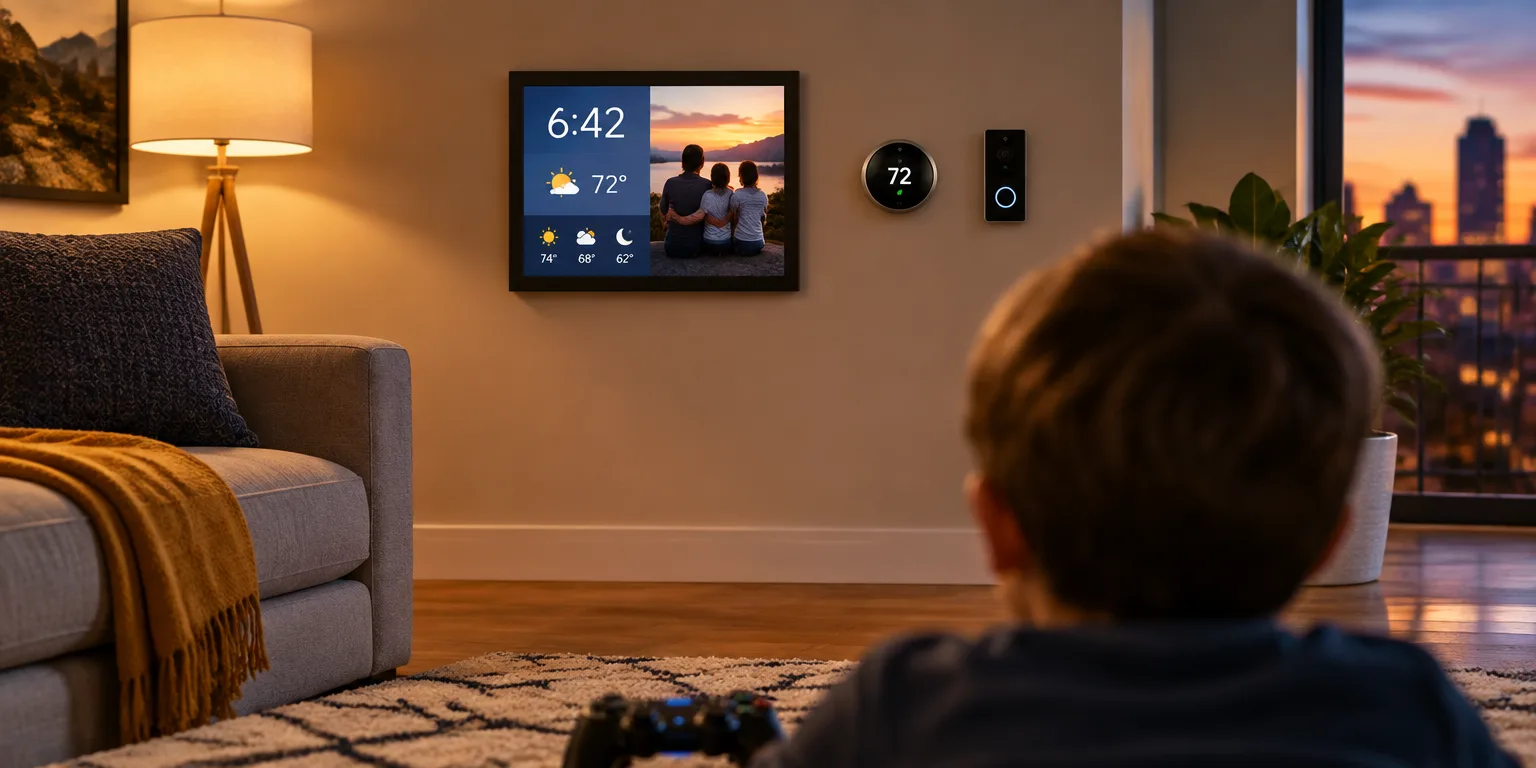
Years ago, he placed a compact screen beside the living area in his condo so his kids could play video games. He had a Raspberry Pi on hand, a low cost pocket size computer, and used it to run a simple display service called Dackboard.
That display presented the clock, the forecast, the household schedule, and a cycling set of family pictures. In the years since, it has become "one of our most used and most beloved pieces of technology," Thompson says, checked "multiple times a day, every day."
Thompson offers thermostats as a case in point: "Thermostats are finicky and hard to use," much better programmed from a phone or touch device, except his units mysteriously lose their connection to his home system every few weeks.
With deliveries often needing a signature, he says linking a doorbell to a screen makes obvious sense, but his units disconnect at random and he never notices until he has already missed a delivery.
His cameras fail the same way. They are useful security tools, he says, only when viewable, but they often become inaccessible or hard to use at the very moment they are needed.
He likes hands free help in the kitchen, asking "what do you do when it goes to sleep in the middle of a recipe?"
With his thermostats, doorbells, and cameras all dropping off, he sums up the pattern: "And notice what the limiting factor is for the middle three, actually getting different devices to work together reliably."
For Thompson, the hard part is keeping the devices connected.
Questions people ask
Why do doorbells, cameras, and thermostats disconnect so often?
Mostly Wi-Fi and power saving. Battery doorbells and cameras sleep to save power, distant thermostats cling to a weak signal, and routers do not always hand devices off cleanly. When the link drops, the device may not reconnect quickly, so it looks fine until you need it.
What can I do to make my own devices more reliable?
Give them strong and steady Wi-Fi, with an access point nearby and a clear path through as few walls as possible. Keep software updated, use wired power where you can, and check device health in the app before a trip or an expected package. Fewer hubs and apps also mean fewer points of failure.
Can I just use an old tablet for recipes instead of buying a home display?
You can, and many people do. It works best if you turn off auto lock, keep it plugged in safely away from water and heat, and set it where it will not fall. A dedicated display simply stays awake, stays in place, and can be tapped or asked by voice with messy hands.