Your iPhone can record a phone call and summarize it in Notes
Tap one button during the call, then read the full transcript and the short AI summary later in Notes.
 PCMAG · Write This Down: 25 Things You Didn't Realize Apple's Notes App Could Do
The hardest call to take notes on is the one you are talking on, when instructions or prices or directions fly by and you are left trying to reconstruct them afterward from memory.
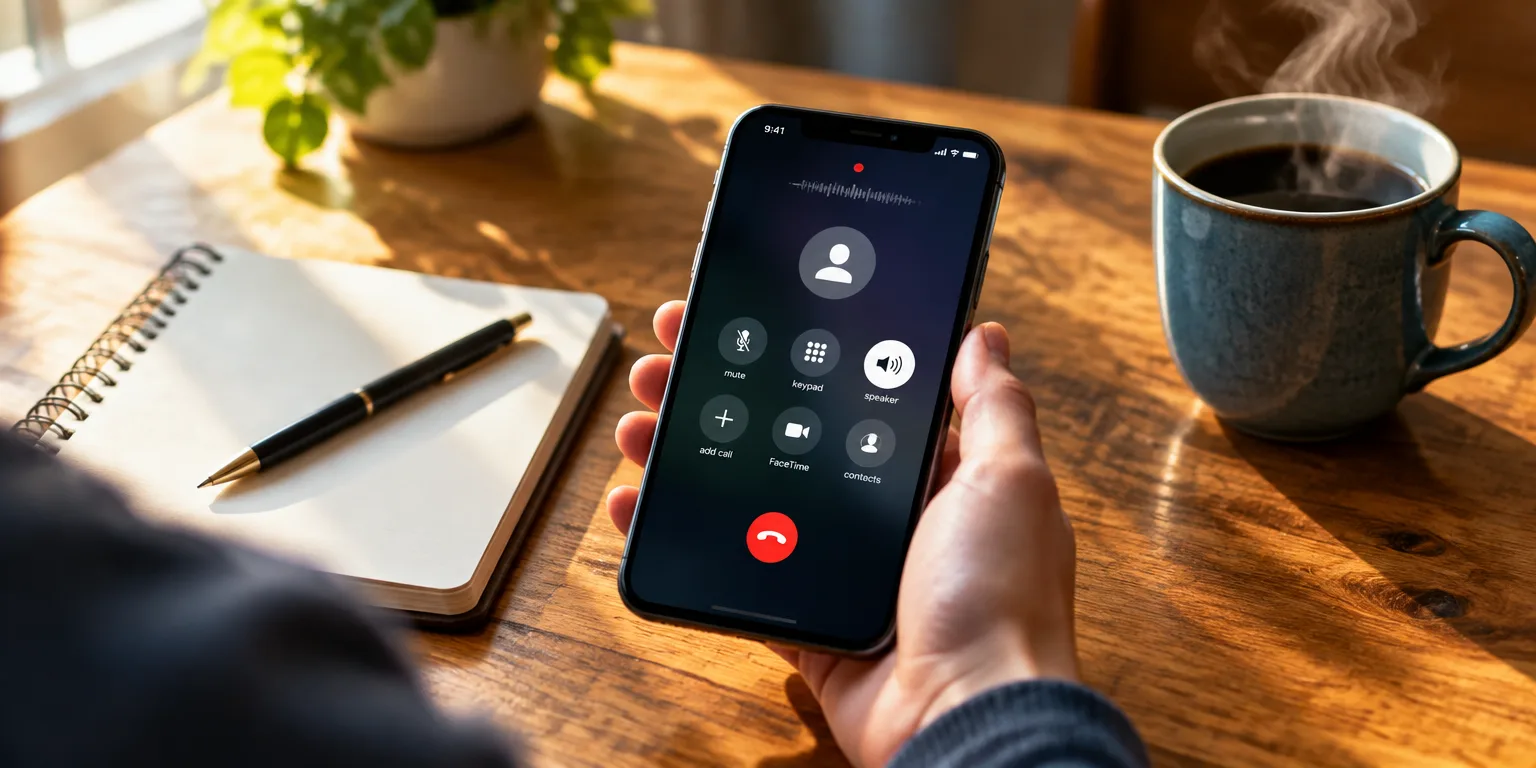
The Notes app on recent iPhones will do the listening for you. While you are talking, look for the record button near the top edge of the call screen, then press Continue. Everyone hears an automated notice that taping has started, and the recording is saved as a note.
To find it afterward, choose the alert banner that appears, or look for the new entry the next time you open Notes. Often the written version is already there waiting. If you do not see words right away, open the transcript view with the button down in the corner. Then choose Summary near the top for a brief AI-written recap of what was discussed.
It only works on newer phones. You need an iPhone 15 Pro or newer running at least iOS 18.1, and it helps to go to Settings, General, and Software Update to confirm you are current. If you qualify, try it on a low-stakes call first, so you know just where the Recording, Transcript, and Summary buttons live before you really need them.
Questions people ask
Is it legal for me to record a phone call this way?
It depends on where you and the other caller are. Some states require only one person on the call to consent, while others require everyone to consent. Because the iPhone plays an announcement, the other party gets notice, but check your state law before recording, especially for business or sensitive calls.
Can I edit or share the transcript afterward?
Yes. Once it is in Notes, it behaves like any other note, so you can copy text, add your own comments, and share the note with view or edit permission. That makes it useful for sending meeting notes or a family member the doctor's instructions. Just be careful about sharing private or recorded material without permission.
How reliable is the AI summary?
It is good for a quick refresher, but you should still skim the full transcript for numbers, names, and dates. Automatic transcription can mishear similar sounding words, and summaries can leave out context. For anything medical, legal, or financial, verify the key details in the transcript.