Your Mac's Privacy Pop-Ups Are Invisible to AI Agents
The safeguard makes sense against malware, but it leaves helpful software failing with no explanation.
 Stratechery · Apple and a Hacker’s Future | Stratechery by Ben Thompson
On paper, Apple's Mac should be the ideal home for an AI agent, but running one on a Mac you control from afar keeps breaking for a reason you cannot see.
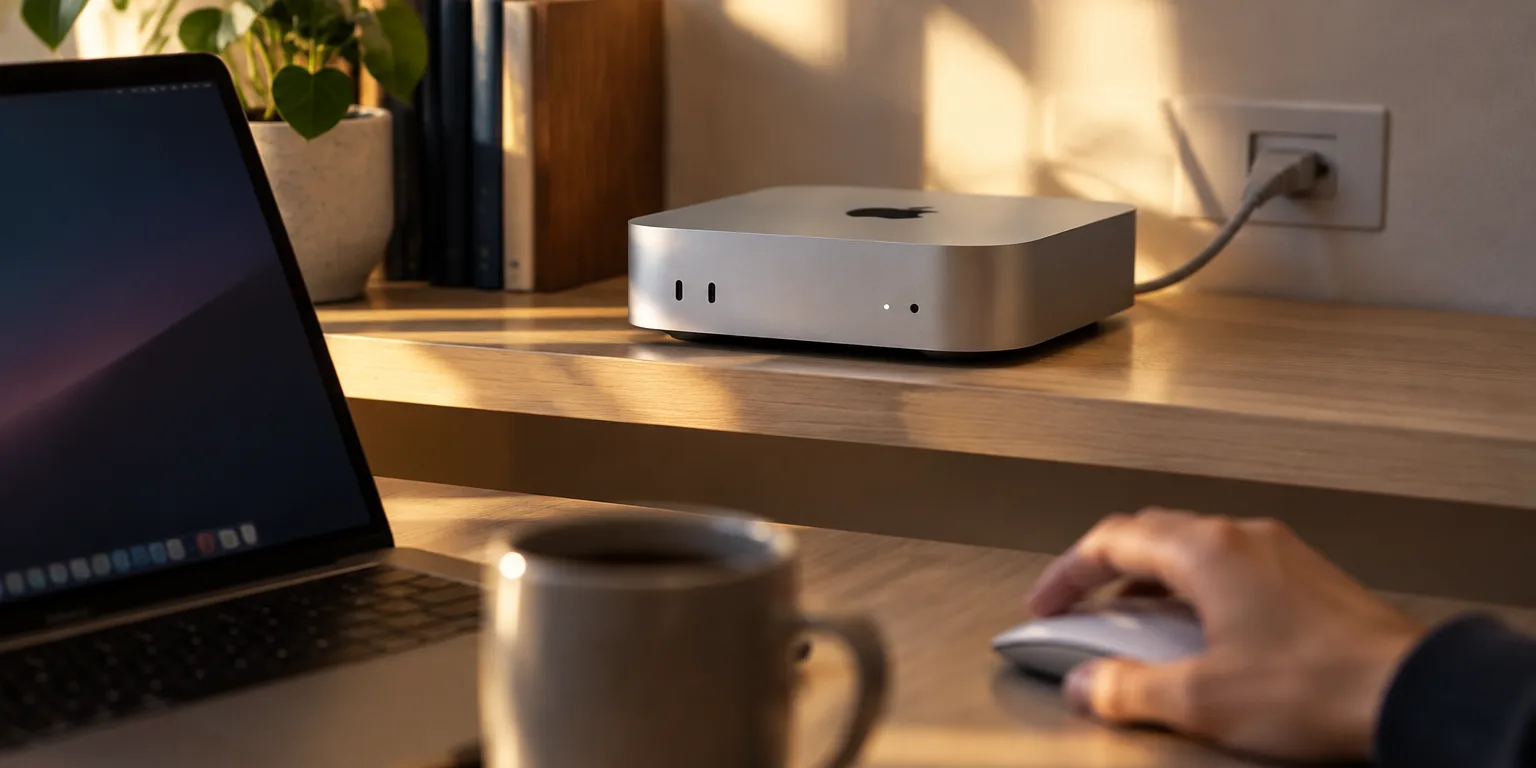
Writer Ben Thompson, who runs his agents on an always-on Mac mini, points to three strengths: deep hooks for scripting and automation, a certified Unix system with all its command-line tools, and fast, efficient Apple hardware.
The trouble is a Mac system called Transparency, Consent, and Control, or TCC. It guards sensitive places like the camera, the desktop and downloads folders, and network drives, and it asks you to approve each app that wants in.
That works well enough on the laptop in front of you. It falls apart when agents do the work, because agents constantly write and run new little programs, and each new program can trigger a fresh permission prompt.
Worse, the prompt opens in an isolated display that no other software, including the agent, can see. The program simply fails quietly, with no error that says a click is waiting.
Thompson's workaround is very human: remember a hidden box is probably open, connect to the Mac with screen-sharing software, look at the screen, and click Allow.
Apple has a good reason for the secrecy. If the prompts were accessible to software running in userland, malware could work around them. That protection makes sense, Thompson argues, but it also makes a Mac that was bought to run agents on its own a machine that still needs a person watching the screen.
Questions people ask
What exactly is TCC on a Mac?
TCC stands for Transparency, Consent, and Control. It is the Mac system that pops up messages like asking if an app may use your camera, microphone, location, contacts, desktop, downloads, or network volumes, and it remembers your yes or no for each app.
Can I turn these prompts off for my agent computer?
Partly. You can pre-approve some access in System Settings under Privacy and Security, or for managed machines through profiles. But approvals are tied to specific programs, so an agent that keeps creating new helpers will keep triggering new prompts.
Do Windows or Linux do the same thing?
Yes, in different ways. Windows has User Account Control and privacy toggles, and Linux systems vary widely and are often more permissive. Apple's approach is unusual in how broadly it protects files and devices, and in how completely it hides the prompt from other software.