Apple's Smart Display Caps You at Nine Controls Per Screen
A browser workaround for bigger dashboards is cramped and may not stay open.
 Foxy's Lab · I wanted Apple HomeView to run my smart home. It can't
If you buy Apple's HomeView to run your smart home from one screen, you get nine controls at a time.
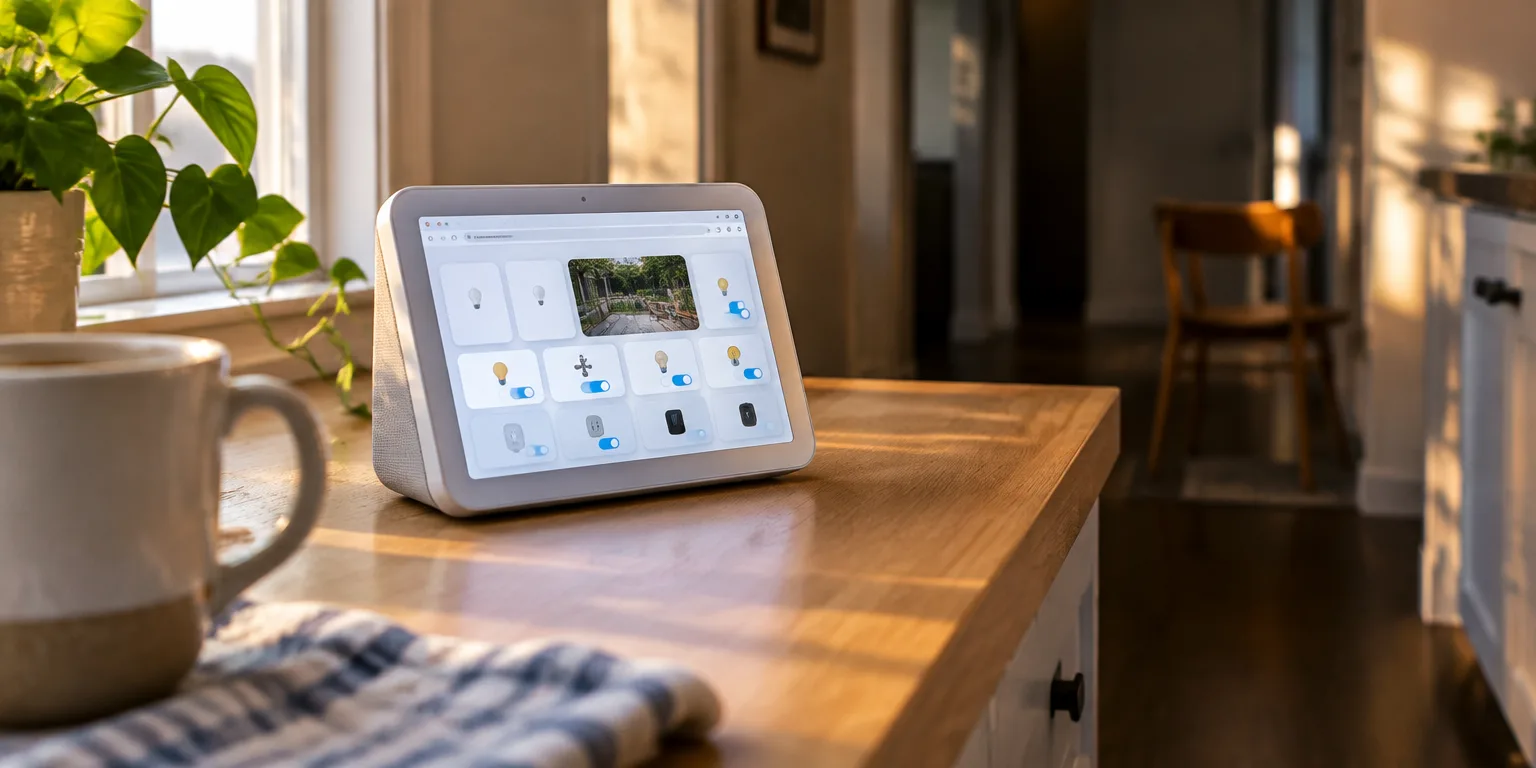
HomeView is Apple's small countertop display for switching lights and plugs, checking cameras, playing music, and making video calls. Its built-in Apple Home controls come in fixed layouts.
There are three choices: a four-square grid, a staggered tile layout, or a three-by-three grid. The three-by-three is the largest, so nine devices is the maximum on one dashboard screen.
More than nine devices means adding another page and swiping between screens. Those grids are the only options.
For people who use Home Assistant, the independent software for building custom smart-home dashboards with lights, cameras, and sensors arranged any way they like, there is a workaround. Because HomeView has a web browser, a Home Assistant page can be opened in Safari.
That version is cramped because Safari's address bar and buttons stay on screen and take a large share of the small display. No native Home Assistant app was available at the time of testing.
It isn't clear whether the browser page stays open when you walk away or whether the display goes idle and returns to Apple's own screen. So it may not work as an always-on wall panel that stays on one dashboard day and night.
That limitation is why one reviewer who tested it called it a souped-up HomePod that does not feel like a first-class smart-home device.
Questions people ask
What is Home Assistant?
Home Assistant is free software that connects smart devices from different brands in one place. Fans use it to build custom control screens with lights, thermostats, cameras, sensor readings, and buttons arranged however they like.
What is HomeKit Bridge?
It is a connector that shares devices set up in Home Assistant with Apple's Home app. That lets an Apple display switch those lights or plugs on and off, but they still appear inside Apple's fixed nine-button grids.
Can you control more than nine devices with Apple Home?
Yes, by adding extra pages and swiping between them. Each page still holds at most nine controls in one of the three fixed layouts.