Ask AI to Write a Summary Before You Call Support
A short summary of symptoms and attempted fixes skips the basic questions, and official contact details keep scammers out.
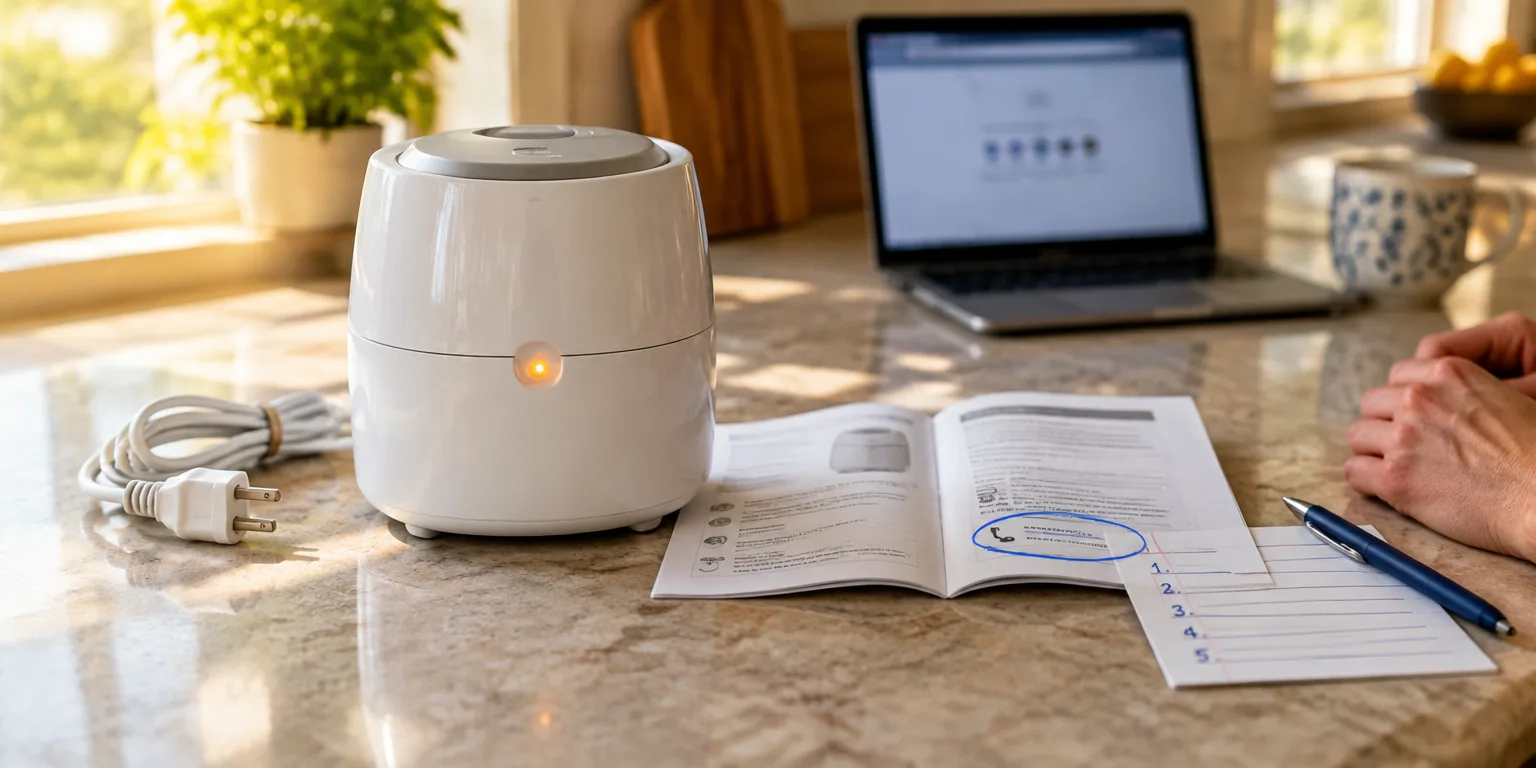
 worldvillage.com · AI Troubleshooting for Household Gadgets at Home
Joel Comm, who wrote a guide to using AI assistants to diagnose household gadgets, says calling support is sometimes still the answer. He says the time spent with the chatbot is not wasted if you use it to prepare.
Before you dial or open a chat window, ask the assistant to condense your issue and the steps you have already attempted into a brief recap. List the symptoms as you described them, and each fix you attempted, in order.
Then read that summary to the agent or paste it into the support chat. Comm says the agent can skip the basic questions and reach real help faster.
There is still a caution about where to call or click. Fake contact numbers and alert screens can seem to come from well-known tech brands.
Use only the phone numbers and chat links listed on the manufacturer's official website or on the manual packed in the box. If a pop-up urges you to call immediately, close it and go to the official site yourself.
As a first step, type this prompt into the assistant: summarize my problem and what I tried in three to five sentences for a support agent.
Questions people ask
What should I include in the summary I give the support agent?
Include the device brand and model, the main symptoms in your words, and each fix you tried in order with what happened. Keep it short enough to read aloud, about three to five sentences, and add error text or light patterns if you have them.
How do I know a support number is really official?
Treat urgent pop-ups, paid search ads, and numbers from forums as suspect. Real help comes from the contact page on the manufacturer's official website, the app from the official app store, or the manual in the box.