Hide the Seam on a LEGO Photo With Fog or Grass
Borrowed skies and stock photos do the heavy lifting, while grass or fog in front softens the seam.
 bricknerd.com · How to Choose the Right Backdrop for Your LEGO MOC - BrickNerd - All things LEGO and the LEGO fan community
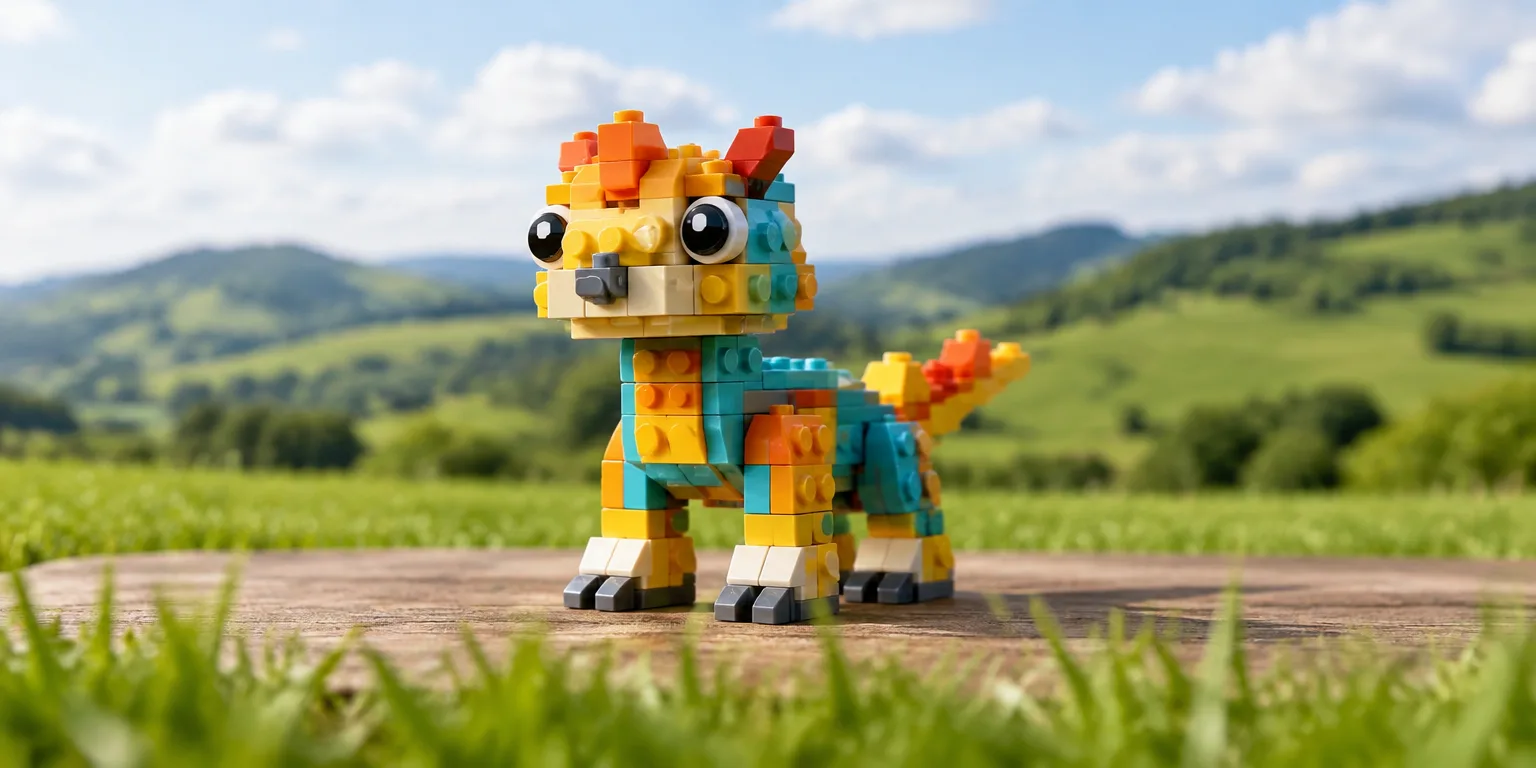
Builder Eann McCurdy makes a LEGO model called Queen Amelia look at home in a borrowed landscape by photographing it with blades of grass in front.
The approach comes from a LEGO photography guide. Instead of building a whole setting from bricks, you place the physical model inside a digital environment made with photo editing tools.
The background is usually assembled from existing artwork and stock photos. You photograph the model first, then edit those images in behind it, so the real bricks stay in front and the borrowed picture sits in back.
Foreground material can help blend the build into that digital world. A little fog, or the grass in McCurdy's photo, softens the edge where plastic meets picture and makes the join less obvious.
In Citadel of Sweet Dreams by builder Jente Bijl, clouds made of bricks up front sit together with clouds placed in the backdrop during editing. The near and far clouds read as one sky.
The guide advises crediting the artists or photographers whose work you use when you borrow artwork or stock photos for this kind of backdrop.
To try it, start with the foreground. Set a tuft of grass or a wisp of fake fog just in front of the model, shoot through it, and then add one borrowed sky or landscape behind.
Questions people ask
Where can I find background images I am allowed to use?
Look for stock photo libraries and art sites that allow reuse, and read the license before you download. Many ask for a name credit and a link, while others require payment for commercial use. When in doubt, contact the creator and keep a record of permission.
Do I need professional photo editing software to try this?
You do not need the most expensive program. Free and low cost editors can layer images, soften edges, and adjust color and brightness. The more important skill is matching light direction and sharpness so the model and background look photographed together.
How do I shoot through grass without hiding the model?
Put the foreground material close to the lens and keep it slightly out of focus. That blur looks natural and covers the base of the model or the table edge. Take several shots with the grass or fog moved a little, since a small shift can change the effect.