Apple Home Is Four Names for One Smart Home System
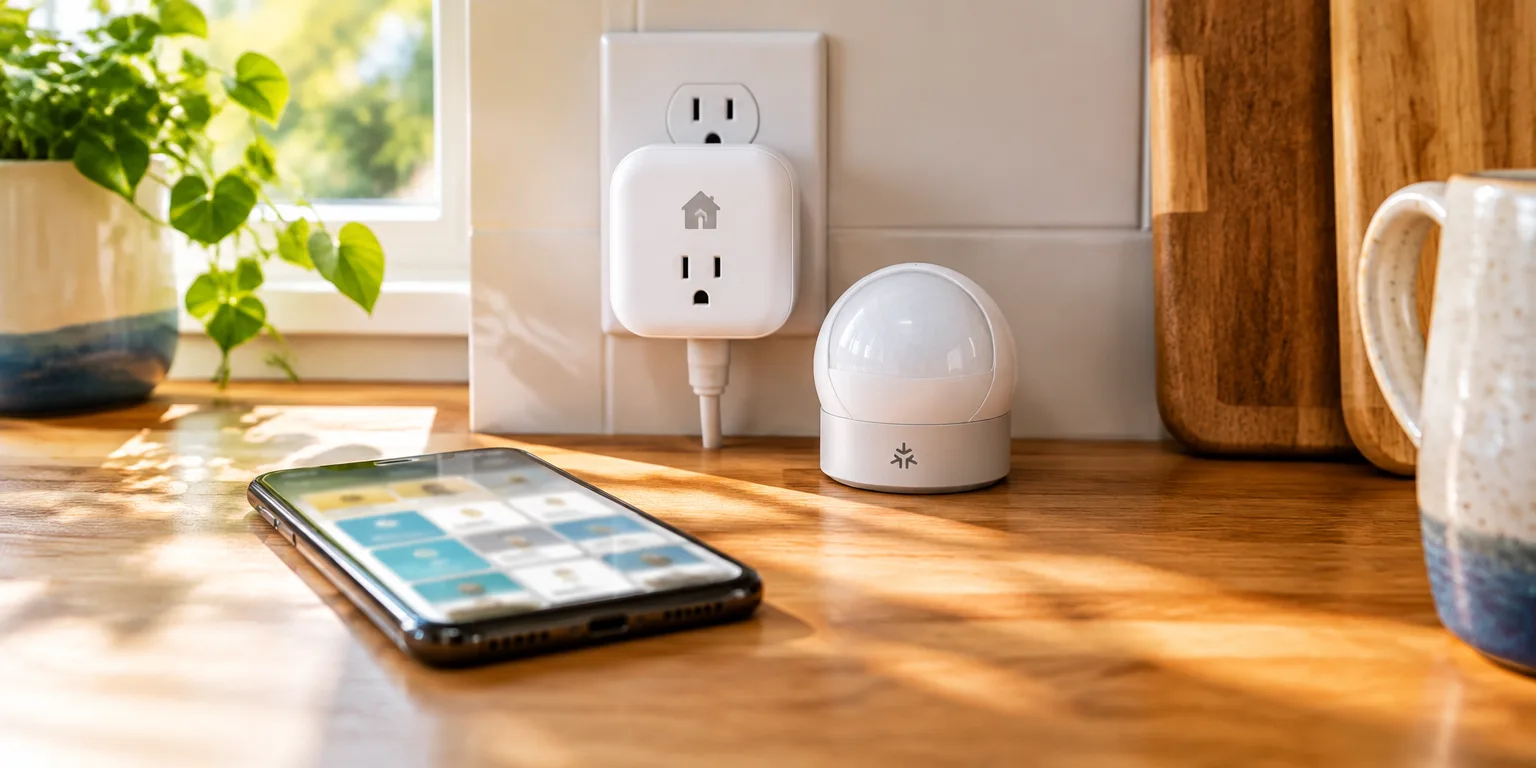
A Matter gadget can live beside an Apple-speaking plug in the same Home app, without ever learning Apple's language.
 Foxy's Lab · Apple Home explained: what you need and what stays in your house
Apple's smart home goes by several names, but the names describe different parts of one setup.
HomeKit is the layer most owners never see. It is Apple's set of building tools for software makers, which allows programs on iPhones and other Apple gear to run smart gadgets from many different brands.
Below those tools sits the shared method devices use to converse. Known in full as the HomeKit Accessory Protocol and shortened to HAP, it covers the introductions, the swap of digital keys that blocks eavesdroppers, and the commands passed over a home network linking a phone to a plug.
The Home app is the screen you actually tap. It is where a new plug, bulb, sensor, or even a camera appears beside everything else, ready to work with Siri and with automations no matter whose name is on the box.
Apple Home is what Apple calls that whole experience when it is talking to shoppers rather than developers. It is the label found on boxes for recent devices, where HomeKit once appeared.
Matter came in separately. It is a shared smart home standard created by a separate industry group, which Apple supports, so a Matter gadget can appear in the same Home app beside HAP devices while using its own language.
The renaming is like Opal Fruits, a British fruit chew later sold as Starburst, changing its wrapper while the old name remained on the delivery vans.
Without the jargon, the setup underneath is straightforward. Apple Home lets an iPhone or other Apple product a household already has link up straight with gadgets from many companies, mostly over the home network, and run them from one place.
Questions people ask
Once it is in the Home app, does a Matter device work like an Apple-speaking device?
Largely, yes. Once added, both types appear side by side in the Home app and can be grouped into rooms, scenes, and automations and controlled with Siri. Some advanced features can still differ by maker and model, so check the product details.
Do I need to know whether a gadget speaks HAP or Matter?
Usually not for daily use. You can tell them apart when you shop by looking for the Apple Home badge or the Matter logo on the box. A hub is needed for some Matter devices, such as those that use Thread, and for automations and control when you are away from home.
Does using Apple Home send all my smart-home activity to the cloud?
Mostly, control stays on your home network. Commands sent when you are away are relayed through Apple to your home hub, and Siri voice requests go to Apple servers after your device hears its wake word. Video storage for HomeKit Secure Video also requires a paid iCloud plan.