Your iPhone Cannot Run Your Apple Smart Home
One stationary HomePod or Apple TV handles remote commands, sunset timers, and Matter devices.
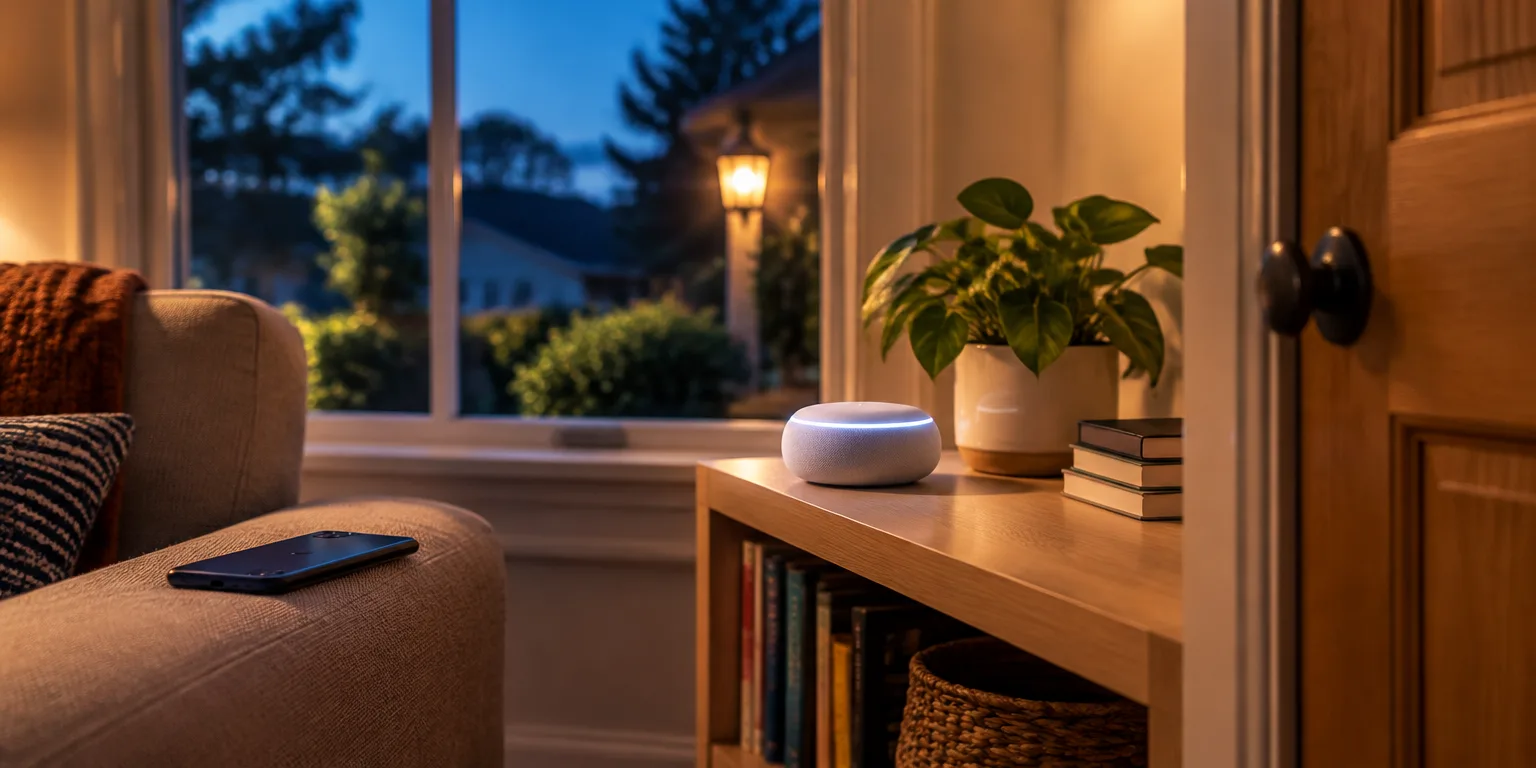
 Foxy's Lab · Apple Home explained: what you need and what stays in your house
An Apple smart home needs a brain that never leaves the house, and your iPhone is disqualified for exactly that reason.
That brain is called a home hub. It must be a stationary Apple device that stays put and stays powered, so it can act when you are gone.
A HomePod or HomePod mini takes up the job by itself during setup. An Apple TV joins in after you put it into a room with the Home app.
An iPhone cannot do the job because it leaves with you. An iPad cannot do it either on Apple's current Home architecture, even though older guides still say it can.
Think of the hub as the neighbor who is always home to sign for parcels. When you switch on a bedroom lamp while at work, the signal travels to the hub first, and the hub operates the lamp.
The same thing happens with automations. If the porch light is set to turn on at sunset, the hub watches the clock and issues the order.
Without a hub, control stays local-only. You can still tap buttons from your phone while nearby, yet timed routines will not run and outside access stops. Other household members can then operate devices only while joined to the home Wi-Fi network.
You also need a hub before you can add devices that use Matter, the newer smart-home standard that works alongside Apple's own system. One hub is enough, and if you own several, the Home app chooses which one is in charge, although you can override that choice yourself.
Questions people ask
Can I still use an iPad as a home hub?
No. An iPad cannot serve as a hub on the new architecture. You will need a HomePod, HomePod mini, or Apple TV instead.
What can my iPhone do without a hub?
It can control devices when you are home, but you get no automations and no control while you are out. It leaves the house with you, so it can't do the job of the always-home coordinator.
Do I need more than one hub in a big house?
One hub is enough for remote control and automations. If you have more than one hub, the Home app picks which one is in charge, although you can choose one yourself.