Stop Remote Mix-Ups by Resetting to Your Main Mode After a Minute
One remote runs lights, blinds, and more, then forgets the last job on purpose so the next press does what you expect.
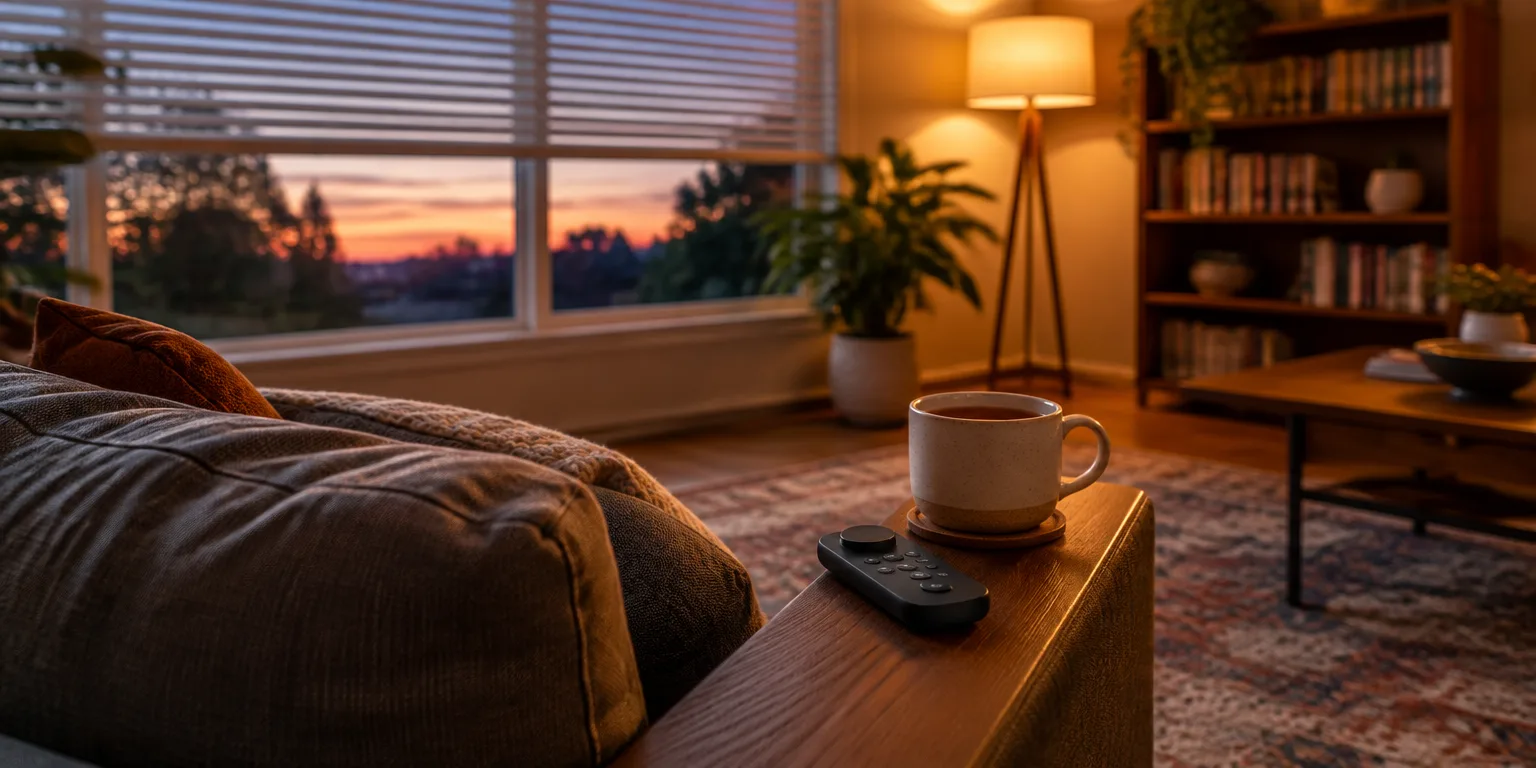
 Foxy's Lab · Your smart home doesn't need more automations. It needs buttons
Foxy, who makes smart-home videos as Foxy's Lab, turned a five-button remote with a twist dial into one sofa controller for the living room, and stopped grabbing the wrong control. Each outer button puts the remote into a different mode, the center button switches that job on or off, and the dial fine tunes it.
Mode 1 runs the living-room lights, and mode 2 runs the blinds. That means a tap can turn the lights on or off, or open or close the blinds, while a twist dims the lights or changes the blind height.
Within a day, Foxy kept making the same mistake. Expecting lights, Foxy would press the center button and close the blinds instead, because the remote was still sitting in mode two from the last use.
The fix was a one-minute reset timer built in Node-RED, the visual automation tool Foxy uses with Home Assistant, the central smart-home software. Every press or twist starts the timer, and any new press or twist restarts it, so the selected mode stays put only while it is being used.
If a full minute passes with no touch, the timer finishes and sends a signal that switches the controller back to Mode 1, the lights mode in this setup. While the timer is still counting, it sends nothing, so everything works as normal.
Foxy said it would be brilliant to show the mode on the switch itself, with a bigger center light that can change color, but added that the timeout still works better for Foxy's brain. The practical takeaway from that setup is to make the fallback the job you reach for without thinking, which here is Mode 1, already set to the living-room lights.
Questions people ask
How do I pick the right reset time?
Start with one minute and adjust to your household. If guests or kids pause longer between tap and twist, try two or three minutes, and if you still hit the wrong mode, shorten it until the remote is almost always back home when you pick it up.
What should I make the default mode?
Pick the job you use most without thinking, usually the main room lights. That becomes the safe landing place, because most mistaken presses will then trigger the action you wanted anyway.
How can I tell which mode the remote is in?
You can add a spoken confirmation, a small on-screen notice, or a brief light flash when the mode changes. Foxy wanted a bigger color-changing center light on the remote itself, which would show the mode at a glance without checking a phone.