Let Your Duo Volume Buttons Follow How You Hold It
The buttons reorient as you hold the foldable phone, so up stays on the top or right.
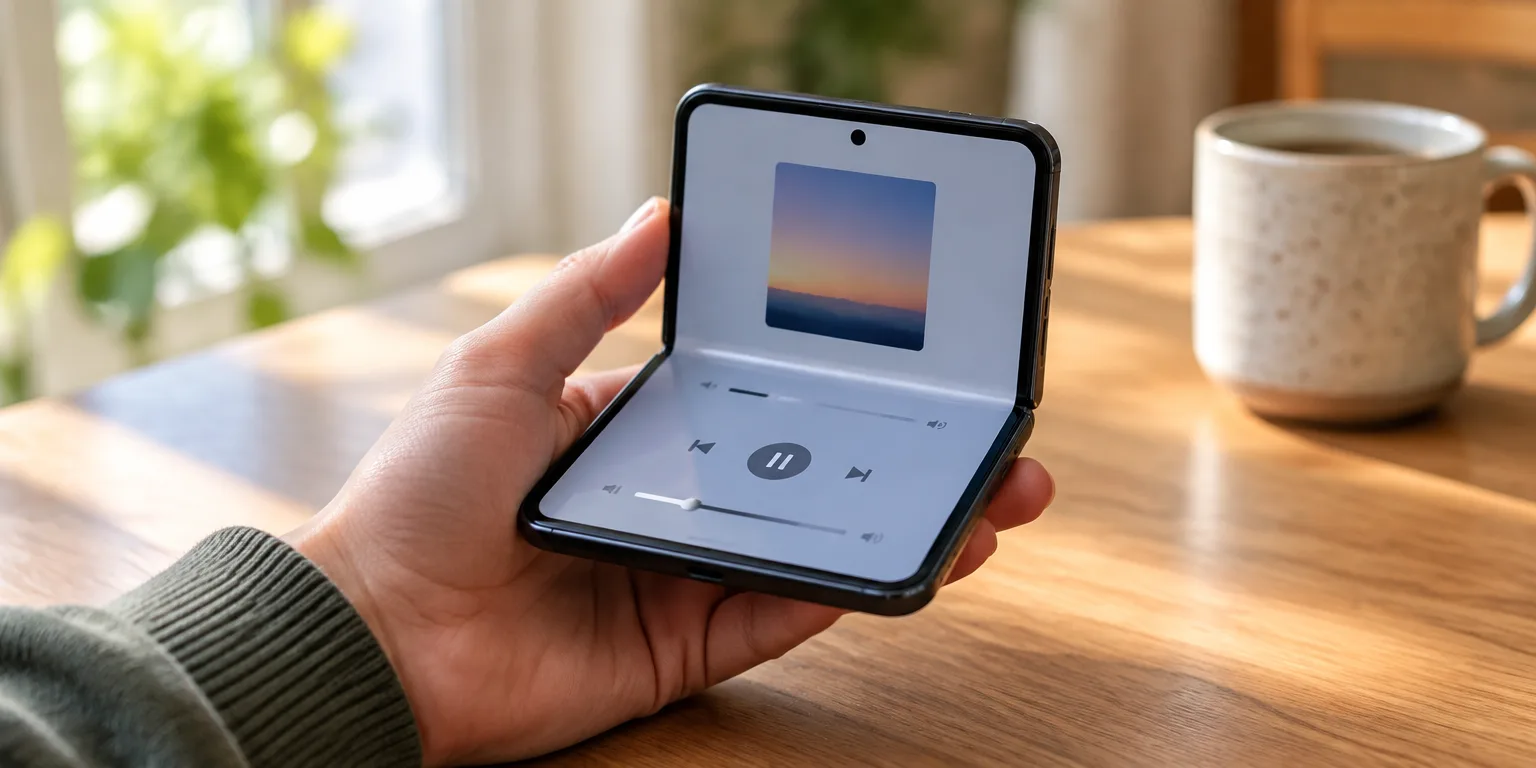
 TechCrunch · Got an iPhone Duo? These 9 settings make it easier to use
Sarah Perez, a technology writer covering Apple's foldable iPhone Duo, calls this change a favorite hack for new owners. With one switch, she says, the phone becomes much easier to handle however you hold it.
By default, the Duo's volume buttons stay fixed. The Volume Up button always turns the sound up, and the Volume Down button always turns it down, however you turn the phone.
Turn off Fixed Position Volume Controls, and the jobs move with how you hold the phone. The buttons reorient themselves, so volume up stays at the upper or right-hand button.
Perez writes, "As you fold, unfold, and flip the phone, having buttons that flip with you actually makes more sense." Many people, she notes, find the rotating setup easier than keeping the buttons fixed.
To change it, open Settings, then tap Sounds and Haptics, then tap Fixed Position Volume Controls and turn it off. If you prefer the old way, return to the same screen and turn the setting back on.
Questions people ask
Does turning off fixed volume controls change how I take a screenshot?
No. You still press the side button plus either volume button at the same time. Perez notes that method can still feel like a two-handed job, which is why she also suggests options like Back Tap or asking Siri.