Register More Fingerprints to Make the iPhone Duo Easier to Unlock
Without Face ID, the folding phone depends on Touch ID, and the fingers you need change with how you hold it.
 TechCrunch · Got an iPhone Duo? These 9 settings make it easier to use
Sarah Perez, a technology writer who has spent time testing Apple's folding iPhone Duo, found a simple fix for its most backward step: unlocking the phone.
Unlike recent iPhones, the Duo does not support Face ID. That means unlocking the device, authenticating apps, and using Apple Pay all require pressing a finger against a sensor on the side.
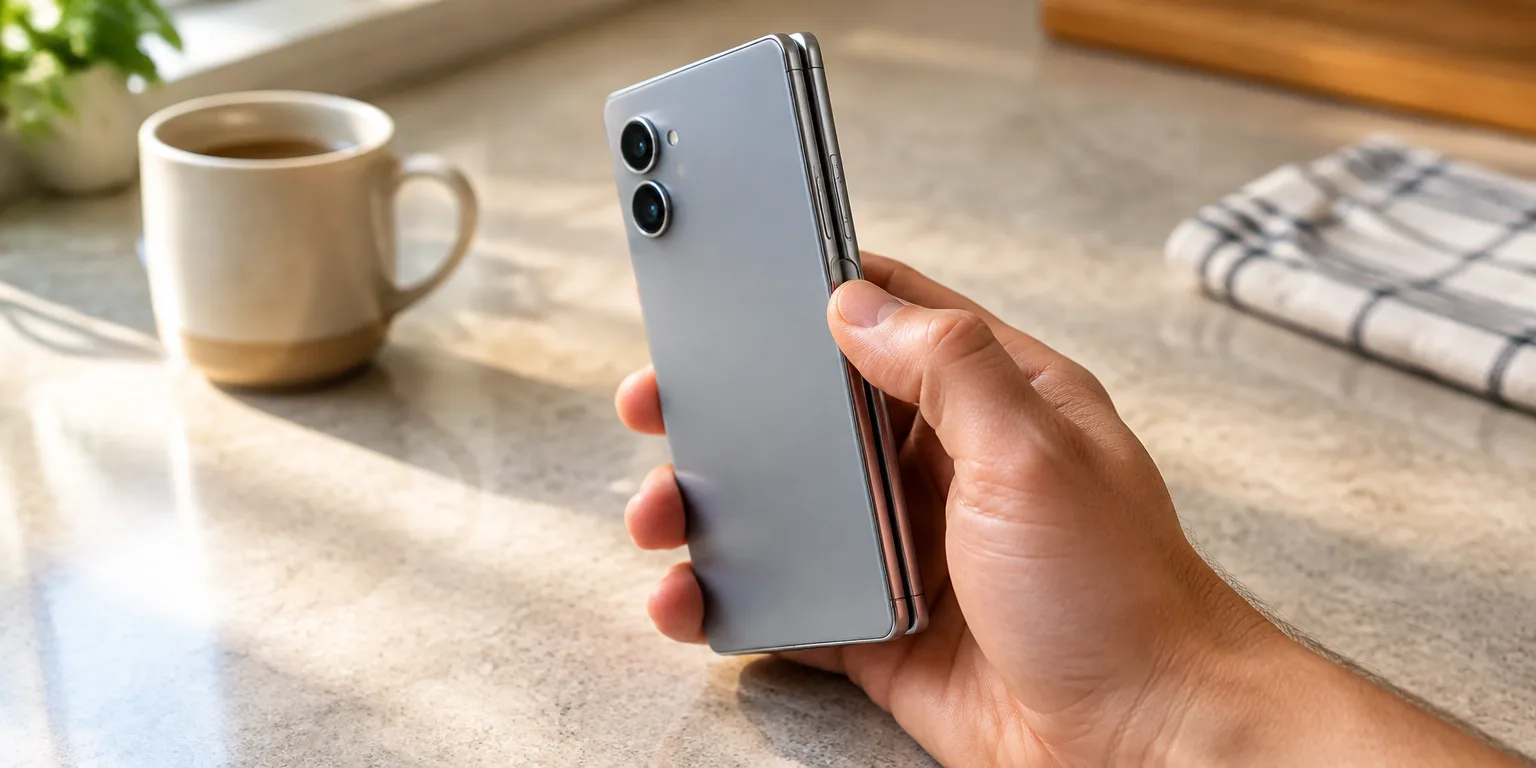
The adjustment is trickier than it sounds, because you pick up the Duo in many different grips and turn it sideways or upside down. With its small size, you may find that many different thumbs and fingers can reach the button depending on how you pick it up.
So she recommends rethinking the old habit of registering just one or two fingerprints. Pick up the Duo, turn it the ways you actually hold it, and enroll the prints you land on most, from both the left and right hands.
To add one, open Settings, tap Touch ID and Passcode, then tap Add a Fingerprint, and repeat for each finger. Perez concedes the process is tedious compared with Face ID, but she says you only have to do it once and will be glad you registered extra fingers.
For anyone setting up a new Duo this week, a good first step is to hold the device and turn it in the different ways you use it most, then register the prints where you hold it most, on both hands.
Questions people ask
How many fingerprints can I register?
Apple has traditionally allowed up to five fingerprints on Touch ID iPhones. That gives you room to cover, say, both thumbs and both index fingers, plus one extra for the way you hold the phone when it is folded.
Does Touch ID work with gloves or wet hands?
No. Touch ID reads the ridges of your skin, so gloves block it, and water or heavy sweat can cause failures. If your hands are wet, dry them first, or use your passcode until they are dry.
What happens if Touch ID does not recognize me?
You can always fall back to your passcode, and you will be asked for it after a restart or after several failed fingerprint tries. Keeping a passcode you can type quickly remains important on a Touch ID phone.