On the iPhone Duo, Reachability Moves Sideways, Not Down
Because the foldable iPhone Duo is as wide as a passport, its one-handed mode pulls in the far edge.
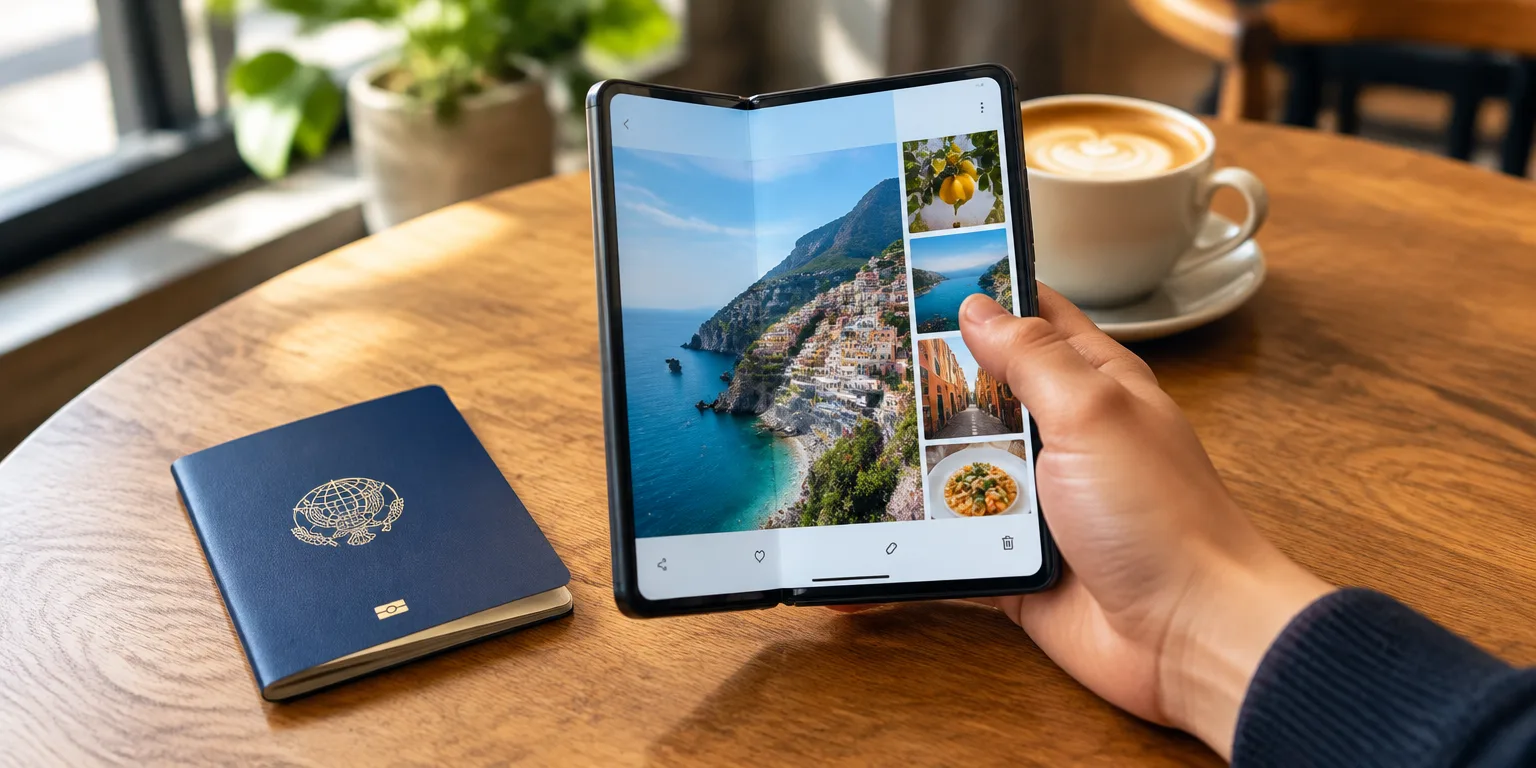
 TechCrunch · Got an iPhone Duo? These 9 settings make it easier to use
On most big iPhones, the one-handed mode called Reachability pulls the upper part of the display down toward your thumb. On the foldable iPhone Duo, it pulls the opposite side in instead.
The option was made to make larger-screened phones simpler to operate single-handed. The Duo needs a different version because of its shape.
The Duo is wide, shaped like a passport, so the opposite edge is more difficult to access than the upper edge. That is why width, rather than height, is the problem for the thumb.
When the mode is on, you swipe inward from either side of the display. That gesture brings controls on that side closer to the hand holding the phone, so you can tap them without shifting your grip.
The feature is turned on by default. If you find yourself triggering it by accident, you can switch it off under Settings, then Accessibility, then Touch, then Reachability.
The Duo moves the side edges in because it is wide.
Questions people ask
Why don't all big phones just lower the screen?
Lowering the display helps when the top is what is out of thumb reach. The Duo is wide and shaped like a passport, so the opposite edge is what is out of thumb reach, and pulling that side inward fits that shape better.
How do you turn off Reachability if you keep triggering it?
Go to Settings, then Accessibility, then Touch, then Reachability, and switch it off. The feature is enabled by default, and some Duo owners keep it on while others turn it off.