A Parent Turned The Fellowship of the Ring Into a 10-Page Picture Book
One short prompt produced a 10-page illustrated book, and a 5-year-old wanted the next book.
 ccstartup.com · I used Gemini to convert my favorite fantasy book into a storybook; my child loved it - Blog - Creative Collaboration
The test audience was a 5-year-old boy, settled in for a story with pictures to look at while he listened.
His parent reads fantasy novels for fun and wanted to pass along the favorite, The Lord of the Rings, to his son. There was no official children's version of the book, and the family had limited room to store more paper books. Keeping a young child entertained without screens added another wrinkle.
Storybooks were the tried-and-tested answer, but many of them felt similar. So the parent looked to an experimental Gemini feature that builds an illustrated storybook from a short prompt.
The tool rewrites stories in simple language, keeps sections short, and leaves out violence. For a long epic, that sounded like a way to keep the adventure without losing a preschooler.
The parent typed a single request for a picture-book version of the first Ring story for a 5-year-old, with images, and added no other plot or character detail.
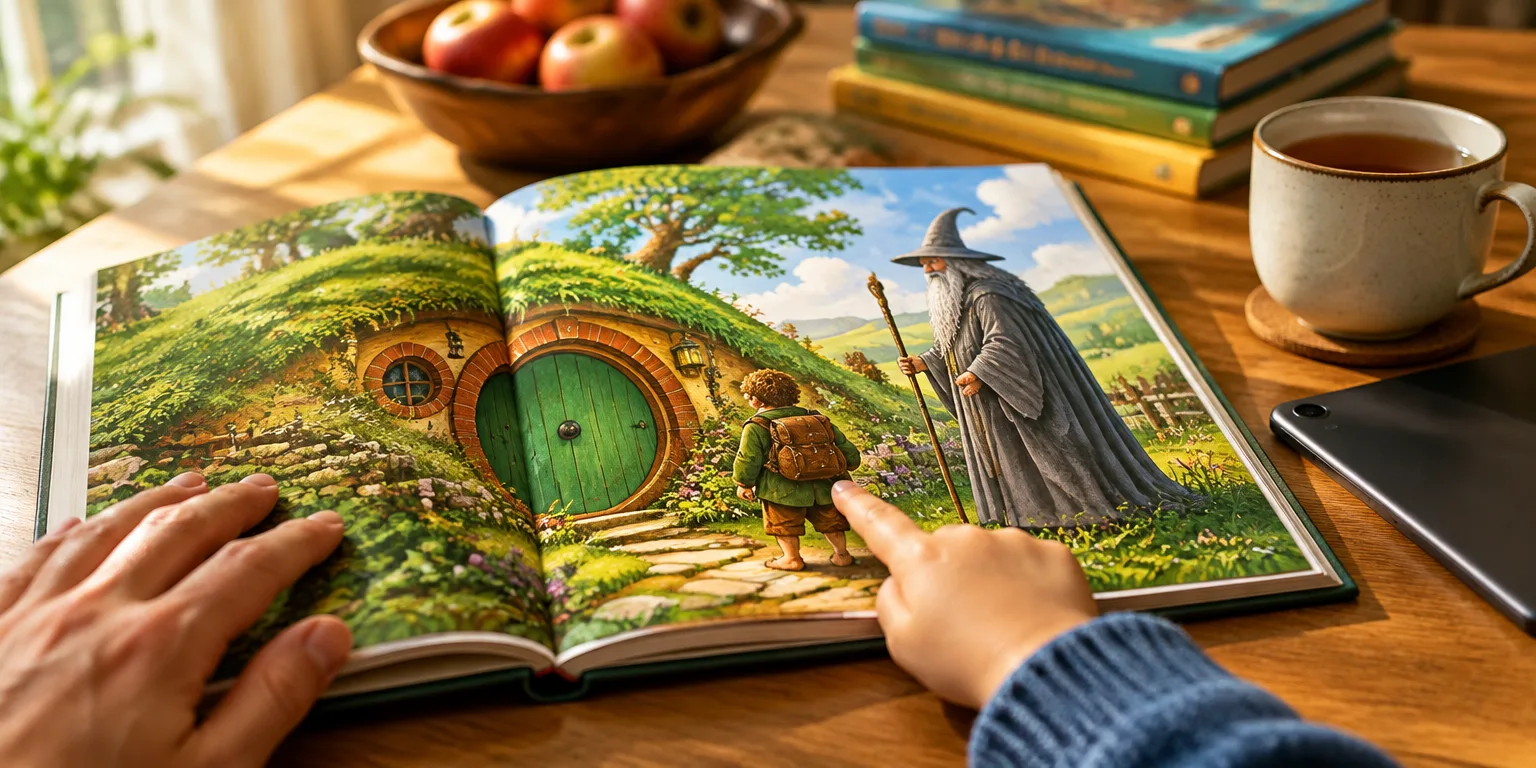
Gemini sent back ten illustrated pages, complete with a cover and an option to hear it read aloud, all told in an entertaining tone. The book could also be downloaded as a PDF and printed like a proper children's book.
The adaptation stayed very close to the original, with a wizard who looked like Gandalf and a central character called Pipkin in the Frodo role.
With a printed copy, an adult could follow the pictures together with the child as the narration ran.
The telling moved quickly, offered plenty of pictures, and was simple to track, and the boy stayed engaged.
The child wanted the next book.
For the parent, that was the payoff, sharing love for a classic in a child-friendly form. A one-sentence experiment had turned a grown-up favorite into a story a 5-year-old wanted more of.
Questions people ask
How do you actually make one of these books?
In Gemini, open Settings, choose Gems on the web or Gem Manager on the Android app, then select Storybook. Describe the plot, setting, characters, and target age, and say whether you want pictures. The feature is experimental, so more detail tends to give more reliable results.
Can you print it or listen to it like a real bedtime book?
Yes. The finished storybook includes a read-aloud option and can be saved as a PDF for printing. The parent printed the copy and pointed to scenes while the audio played.
Did it just copy the names and places from The Lord of the Rings?
No. Because the book is still under copyright, Gemini did not reuse the exact characters or settings. The result was still close, with a wizard who looked like Gandalf and a small central hero in a Frodo-like role.