A Lightroom Preset Is a Reusable Recipe for Photo Edits
More than 60 sliders make one photo look, so photographers bottle the combination.
 lifeindigitalfilm.blogspot.com · LifeInDigitalFilm: Tutorial: Presets, In Depth – Introduction
In 2009, Michael W. Gray, author of an online Lightroom tutorial, wrote an introduction to presets for photographers puzzled by them.
He started with the challenge of opening a RAW photo, the unprocessed data straight from the camera. In Lightroom's editing workspace, called the Develop Module, photographers at the time faced more than 60 sliders, alongside extra tools for retouching small areas and a tone curve for adjusting brightness and contrast.
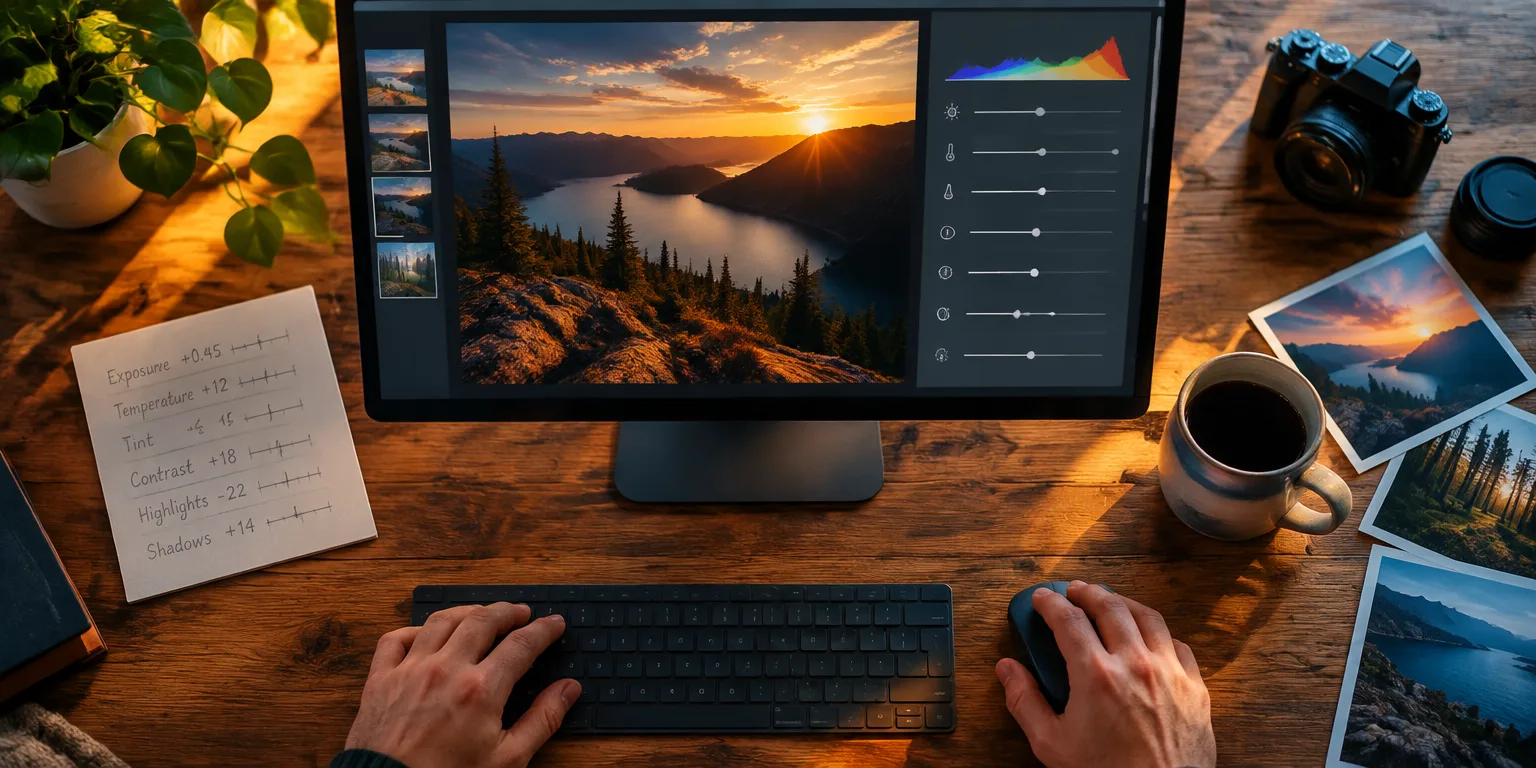
Every position of every control added up to what Gray called a recipe for that image. The array offered remarkable control, and it could feel overwhelming.
Building that recipe once is satisfying. Rebuilding it for every similar photo in a shoot is tedious.
Lightroom let photographers copy settings from one image and paste them onto another, which worked well enough for a single project. But if they loved a look and wanted to reuse it for months, hunting down the old reference photo each time became a chore.
A preset solved that chore by saving the recipe itself. Lightroom and its sibling editor, Adobe Camera Raw, let photographers store those settings and reapply them to any photo with one click.
Think of it like saving a favorite sauce recipe instead of tasting and guessing your way back to it every night.
Because a preset file was small and applied in a click, it was easy to pass around. Hobbyists made presets for fun and shared them freely, while others fine tuned looks and sold them.
Clicking once was a good way to preview what a preset did, Gray wrote, but "it is usually not the best" way to finish a photo. A preset usually needed tweaking for each photo's light and color.
Questions people ask
Do presets work in both Lightroom and Adobe Camera Raw?
Yes. The underlying editing controls are closely related, so a look saved in one program can generally be used in the other. That shared system is why creators can distribute one preset to photographers with different workflows.
Why does the same preset look different on different photos?
Lightroom applies the same slider positions, but every photo starts with different light, color, and exposure. A moody sunset recipe may look too dark, too orange, or too flat on a bright portrait, so you usually need to adjust exposure, white balance, and contrast after applying it.
What is actually inside a preset file?
A preset is a small textlike file that lists setting values, not a copy of the image. When you click it, Lightroom reads the list and moves its own sliders to match. That is why presets are tiny, easy to share, and quick to apply.