Post Your Vacation Photos After You Get Home
Background details can help strangers track your habits or pose as you, so check the frame and the audience.
 secdoc.tech · Basic Series: Security and privacy at home and around town
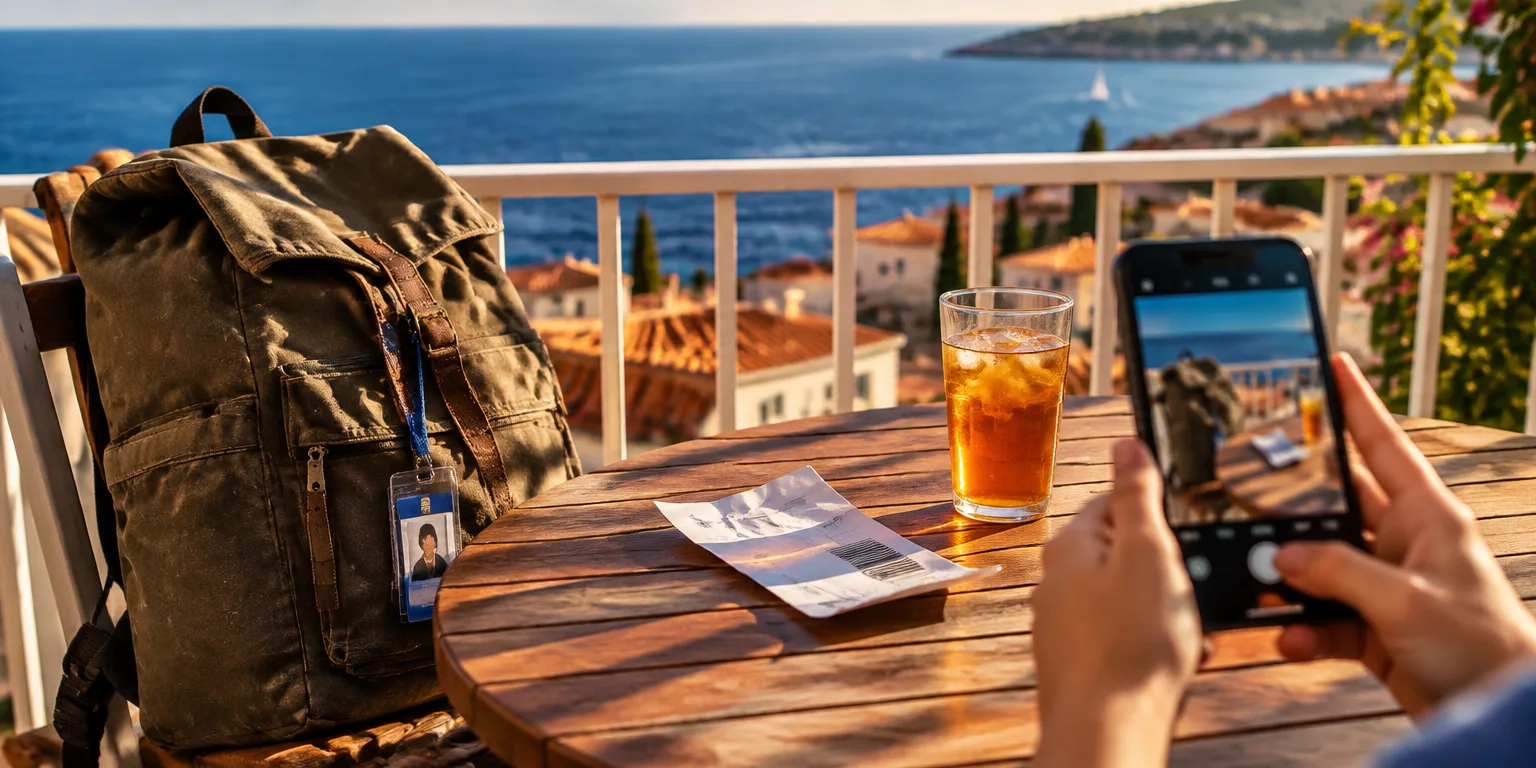
Before you share that vacation photo, look past the smiles to what else made it into the picture. A school logo on a backpack, a street number above a door, a ticket on a tray table, or an ID badge on a bag can slip into an otherwise cheerful shot.
Announcing you are away also tells outsiders the house sits vacant for days. Those small clues can help strangers figure out your habits or pose as you with more confidence.
The fix starts before you hit post. Scan the background for school names, addresses, travel papers, and work IDs, and crop or leave out anything that shows where you live, work, or study.
Then limit the viewers to friends only or a small custom list of trusted people, instead of making the post public. For trips, wait until you are back home to share the pictures.
Start with the very next photo you want to post, and check the frame and the audience before it goes up.
Questions people ask
How do I actually limit who sees a photo post?
Limit vacation posts to a small group you know and trust, rather than a wide public audience. Check your current setting before you post, and look back at older posts that may still show schools, addresses, or routines.
What is risky about posting a boarding pass?
A boarding pass usually shows your full name, flight numbers, and a barcode or QR code that can encode booking details. With those, someone may be able to guess or retrieve other travel details, so it is safer to keep passes, tickets, and badges out of photos entirely.
Should I worry about location data hidden in the photo itself?
Many phones can stamp a photo with its location, and some apps read that data when you upload. Turning location off for your camera, or removing location from a photo before sharing, reduces the chance you broadcast exactly where it was taken.