Turn a Single Travel Photo Into a Short Moving Scene
Pick a camera move or describe the motion in words, then set the length and shape to fit your film.
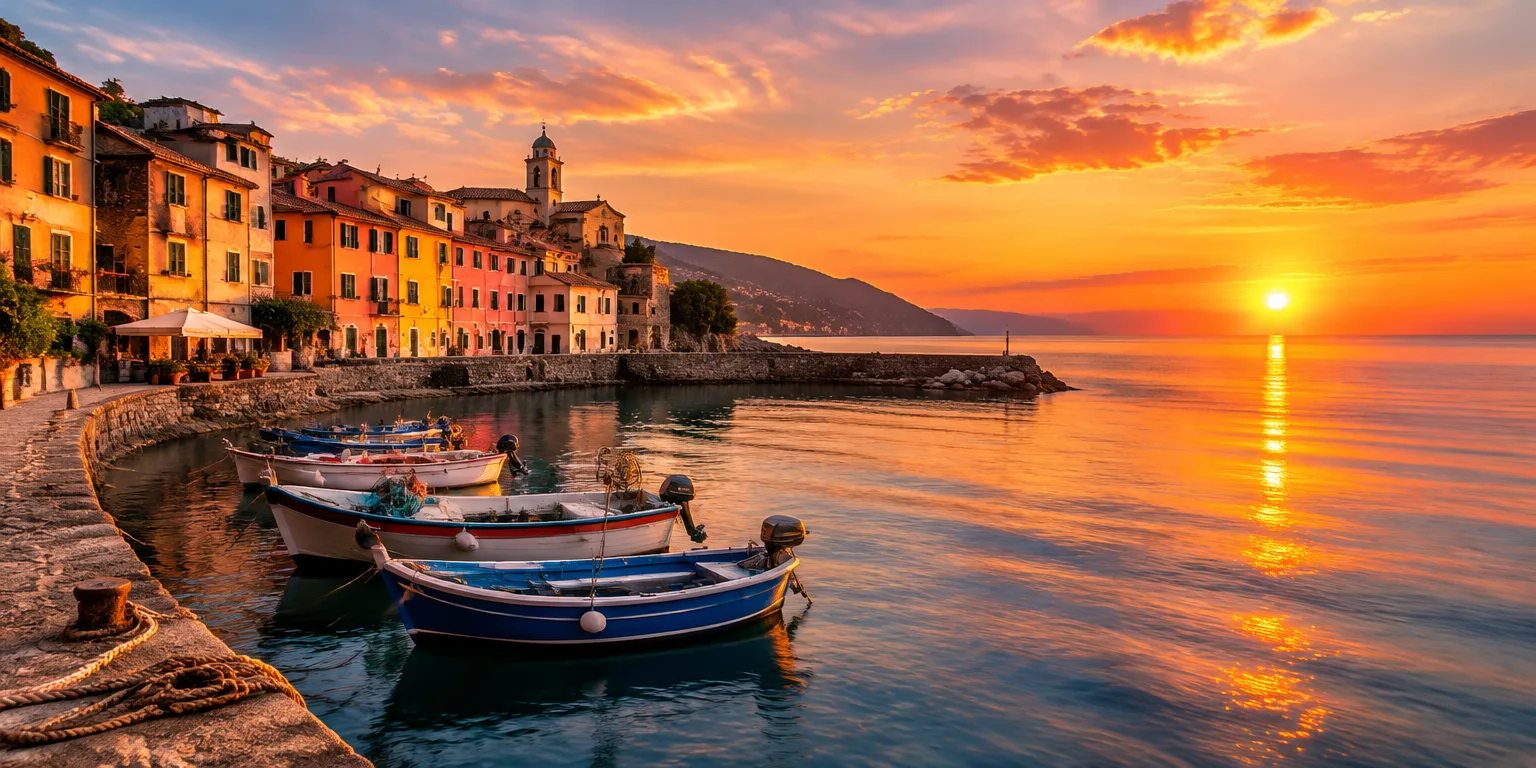
 digitalcameraworld.com · PowerDirector: How to turn your travel photos into a short cinematic story | Digital Camera World
Photographer Sebastian Oakley says you no longer need hours of video footage to make something cinematic. With the right stills and a little creativity, a photograph can become a moving scene that feels more like a mini movie than a slideshow.
The method centers on the AI Image to Video tool in CyberLink's PowerDirector, an editing program used for home videos and larger projects. Instead of simply showing a still for a few moments, the tool adds movement to turn it into a short clip.
Upload your image, then choose how it should move. You can pick a motion template or type a description of the movement you want, and the software interprets the instruction to potentially add movement, depth, and atmospheric detail, with the result depending on the photo and the movement requested.
To show what he means, Oakley imagines a hypothetical sunset photo from the Italian coast, with water stretching toward the horizon and colorful buildings along the shore. He asks what if you could add a gentle move toward the ocean, giving the sense of a slow drift across the scene.
Before you generate the clip, set the aspect ratio and duration. That choice lets you shape one version for a widescreen travel video and another for vertical social media.
For the shortest path, use AI Cinematic Shorts. Import one photograph, pick a cinematic style from the camera movement templates, and the software makes an eight-second clip with movement and accompanying music.
Oakley suggests the shortcut could be especially useful for a traveler who loves taking stills but rarely shoots video. Shots of old towns, mountain views, and busy streets can serve as raw material for something more immersive, without extra footage from the trip.
Questions people ask
How long will my moving photo be?
In AI Cinematic Shorts, the result is eight seconds. In AI Image to Video, you specify the duration yourself, so you can make a brief insert for social media or a longer hold for a travel sequence.
Do I need video editing experience to try this?
Oakley presents it as approachable for beginners. Work that once required a reasonable understanding of video editing can now start with uploading a photo, choosing a template or writing a prompt, and adjusting two settings.
What kind of travel photo works best?
Scenes with depth and atmosphere are strong candidates. Oakley points to dramatic landscapes, architecture, and memorable moments, plus villages, mountains, and city streets that could gain atmosphere or serve as material for more immersive clips.